

 One-touch
Bluetooth Pairing
One-touch
Bluetooth PairingPairing your Huawei wearables with your phone has never been easier:
1. Swipe down the status bar to display all shortcuts, and touch Bluetooth.
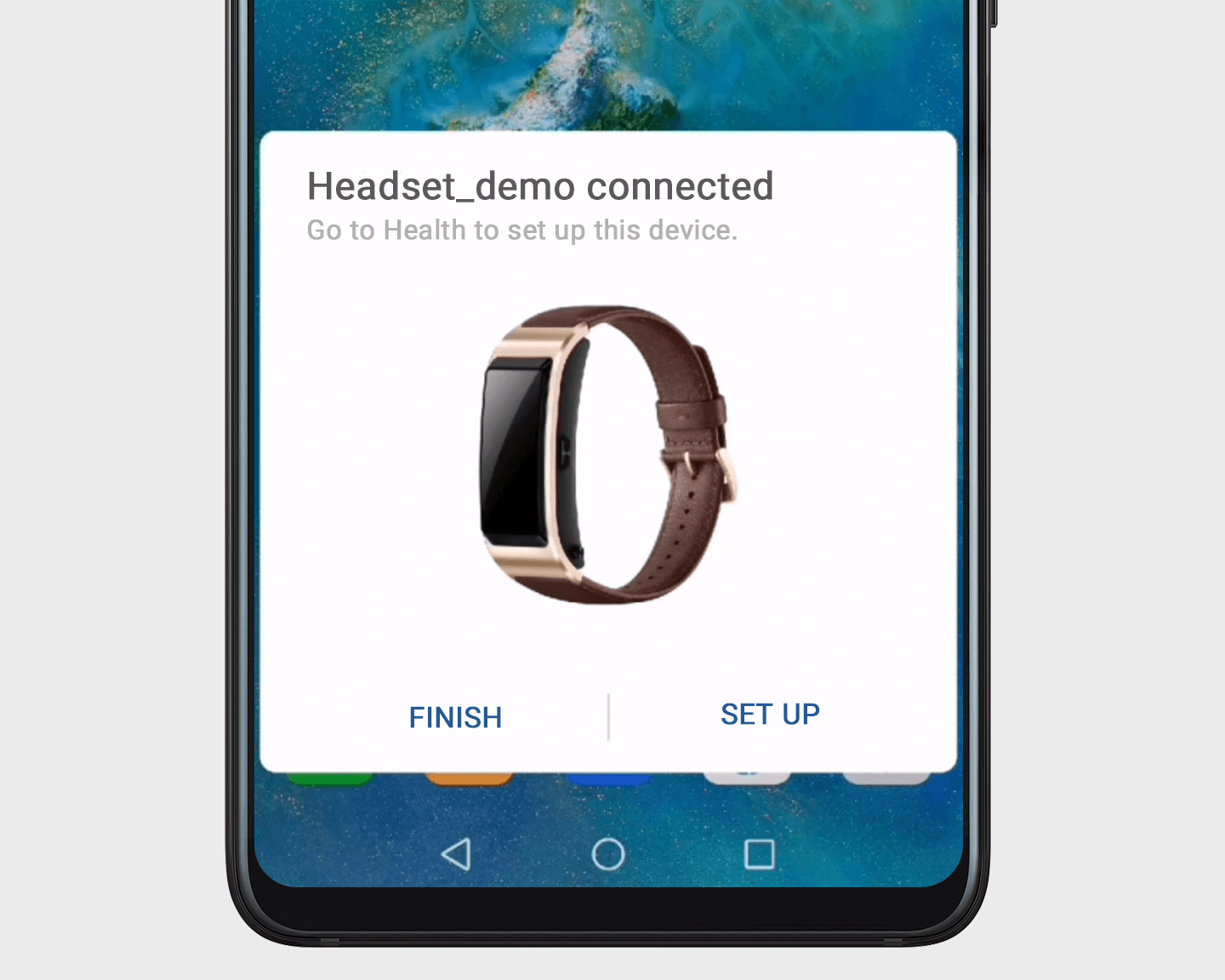
2. Hold your Bluetooth device (band or headphones) close to your phone, and it will automatically detect your device. Just touch CONNECT to pair immediately.
If you're pairing a band, touch Set up once it's connected, and it will take you to the Health app for further customization.
Note: This feature is only supported on the Huawei Talkband B5, Huawei FreeBuds 2 Pro headphones, and later wearables.