

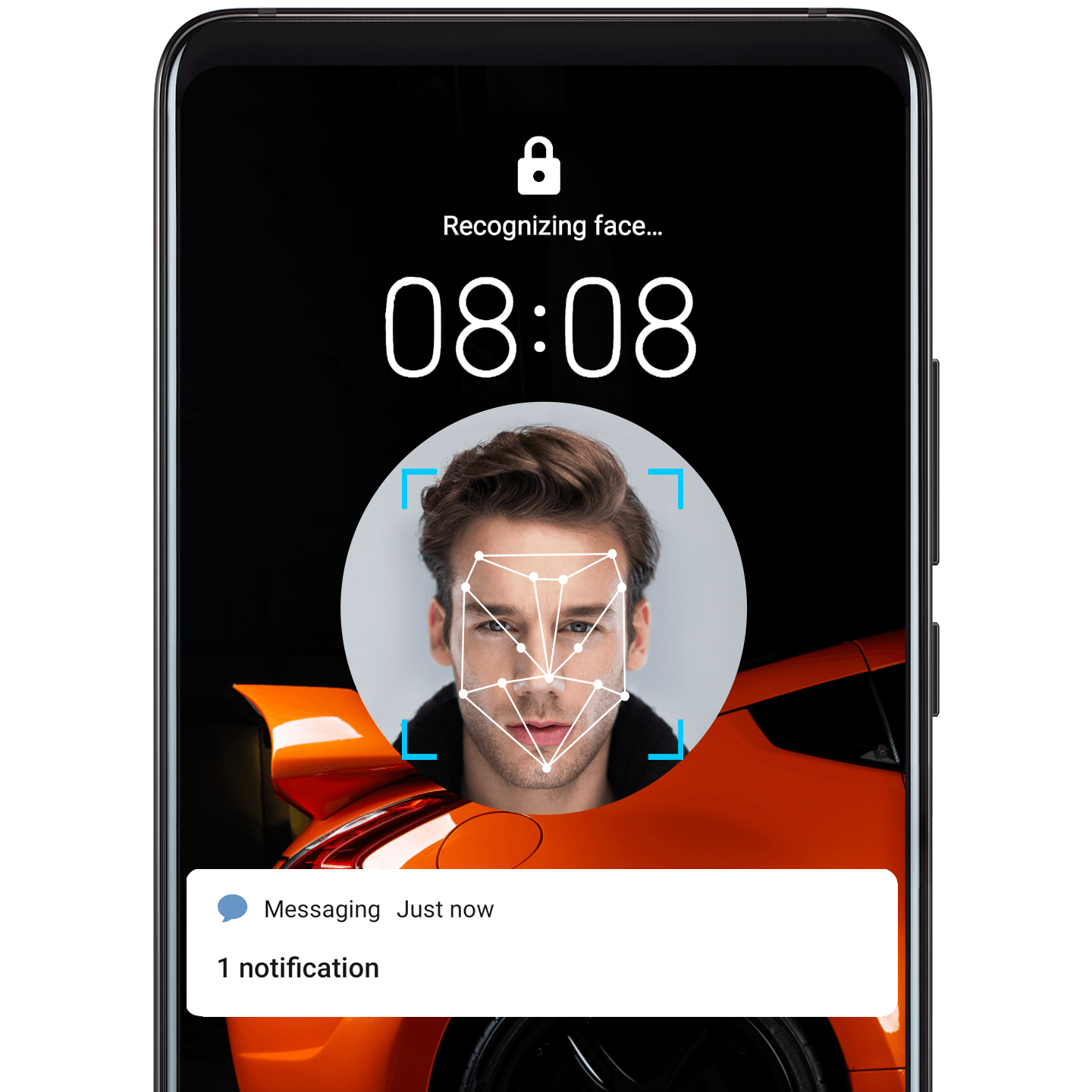
Look to Unlock
Your phone comes equipped with cutting-edge face unlock technology, which can capture and recognize your face, even in near total darkness!
Set it up
Open Settings, and go to . Follow the onscreen instructions to enroll your facial data.
Try it out
Simply pick up your phone and look directly at the screen. After your phone has recognized you, slide up on the lock screen to unlock.
 Note
Note
Go to and select Direct unlock, for even faster unlocking.