
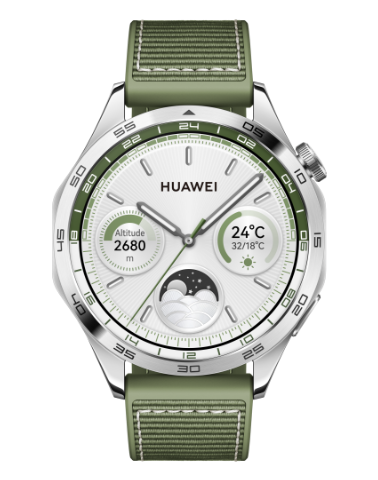

Stopwatch on your HUAWEI watch/band

请选择
| Stopwatch on your HUAWEI watch/band |
Your watch/band supports normal and segment-based timing in Stopwatch, helping you with activities that require accurate timing, such as sports and competitions.

Colors of the start and pause buttons may vary depending on device models.
Starting the stopwatch
- Enter the device app list and select Stopwatch.
- Tap
 or press the Down button to start timing.
Devices with only a single button (such as bands and the HUAWEI WATCH Buds Series) do not have a dedicated Down button. Instead, you can simply tap icons to control the stopwatch.
- Tap
 or press the Up button (or side button) to start segment-based timing.
The segment-based timing methods of the watches that support both modes are different in Standard mode and Battery saver mode. In Standard mode, the Stopwatch feature uses the difference value for segment-based timing. In Battery saver mode, it uses the accumulated value. Actual values shall prevail.
Pausing or resetting the stopwatch
Tap  or press the Down button to pause the stopwatch. Tap
  to reset the stopwatch.
Devices with only a single button (such as bands and the HUAWEI WATCH Buds Series) do not have a dedicated Down button. Instead, you can simply tap icons to control the stopwatch.