

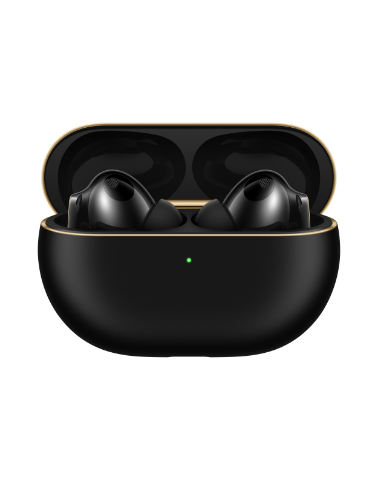

When I connect earbuds to a HUAWEI phone/tablet via Super Device during a call, a message is displayed indicating that it is unable to switch devices as audio is being used for a call
请选择
| When I connect earbuds to a HUAWEI phone/tablet via Super Device during a call, a message is displayed indicating that it is unable to switch devices as audio is being used for a call |
Problem:
When using Super Device for collaboration during a call (including but not limited to SIM-card calls and video conferences) on a phone/tablet, a message is displayed indicating that it is unable to switch devices as audio is being used for a call, or call audio switching is not supported and go to the relevant app to switch.
Cause:
Currently, Super Device is only applicable for media audio channels. When you switch devices during a call (such as SIM-card calls and WhatsApp calls), a message is displayed indicating that it is unable to switch devices as audio is being used for a call.
Solution:
To connect to a Bluetooth device such as earbuds during a call, power on the Bluetooth device and go to the Bluetooth settings screen.
- If the device has been paired, touch the target device in the available device list to connect to it.
- If the device has not been paired with a phone/tablet and is not in the available device list, set the target Bluetooth device to enter Pairing mode, find the target device in the Bluetooth list on the phone/tablet, and pair it with the phone/tablet.
- Alternatively, use Super Device to connect after the call is complete.

Super Device supports carrier calls, WhatsApp Calls, and MeeTime calls to switch to HUAWEI Bluetooth devices such as Sound Joy speakers, watches, or earbuds.