

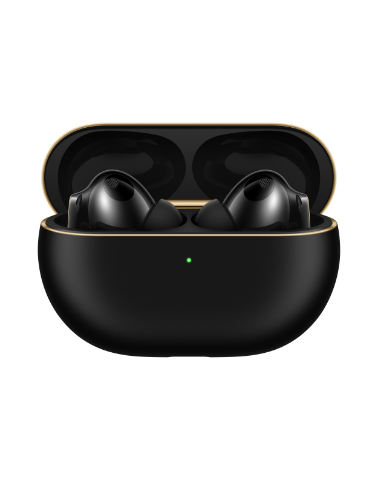

Using gestures to control your HUAWEI WATCH Buds Series earbuds
Applicable products:
HUAWEI WATCH Buds 2(black/brown),HUAWEI WATCH Buds
Applicable system:
Unrelated to OS version
Applicable products:
Applicable system:
请选择
| Using gestures to control your HUAWEI WATCH Buds Series earbuds |
You can control your earbuds with simple gestures. For example, a quick double-tap allows you to answer or end calls, or play, pause, or switch between songs when you're not on a call.
Setting earbud gestures
- Open Huawei Health, navigate to the device details screen, and go to .
- Tap Double-tap or Triple-tap to set gesture controls.
Using gestures to control the earbuds
You can control the earbuds by double-tapping or triple-tapping the areas highlighted in orange on the diagram below.

Thanks for your feedback.