
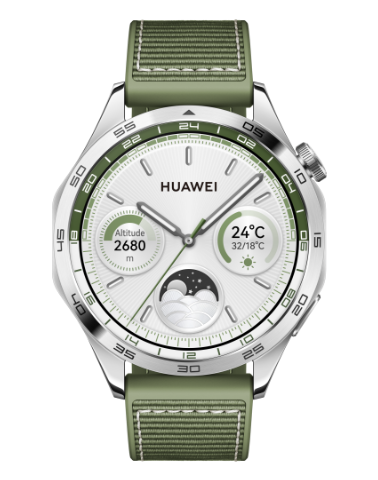

Updating your HUAWEI watch/band
Applicable products:
HUAWEI Band,HUAWEI Watch
Applicable system:
Unrelated to OS version

Applicable products:
Applicable system:
请选择
| Updating your HUAWEI watch/band |
On your wearable device

- Updates are not supported on the wearable device when paired with an iPhone, except for smart watches. HUAWEI WATCH Buds 2 supports updating its earbuds on the device. For details about how to update smart watches, please refer to Updating your HUAWEI smart watch.
- Notifications for wearable system updates cannot be disabled. Version rollback is not supported after an update.
- Enter the device app list and go to .
- Your device will check for any available updates. Then follow the onscreen instructions to update your device.
On your phone
Manual update:
- Open Huawei Health, navigate to the device details screen, and tap Firmware update.
- Your phone will check for any available updates. Then follow the onscreen instructions to update your wearable device.
Automatic update:
- Open Huawei Health, navigate to the device details screen, and tap Firmware update.
- Tap the
 icon in the upper right corner and toggle on Auto-download over Wi-Fi and Auto-install updates and restart the device when it's not in use.
 - Once enabled, new versions will be automatically pushed to your device.
Thanks for your feedback.