

 Make
Your Subject Stand Out
Make
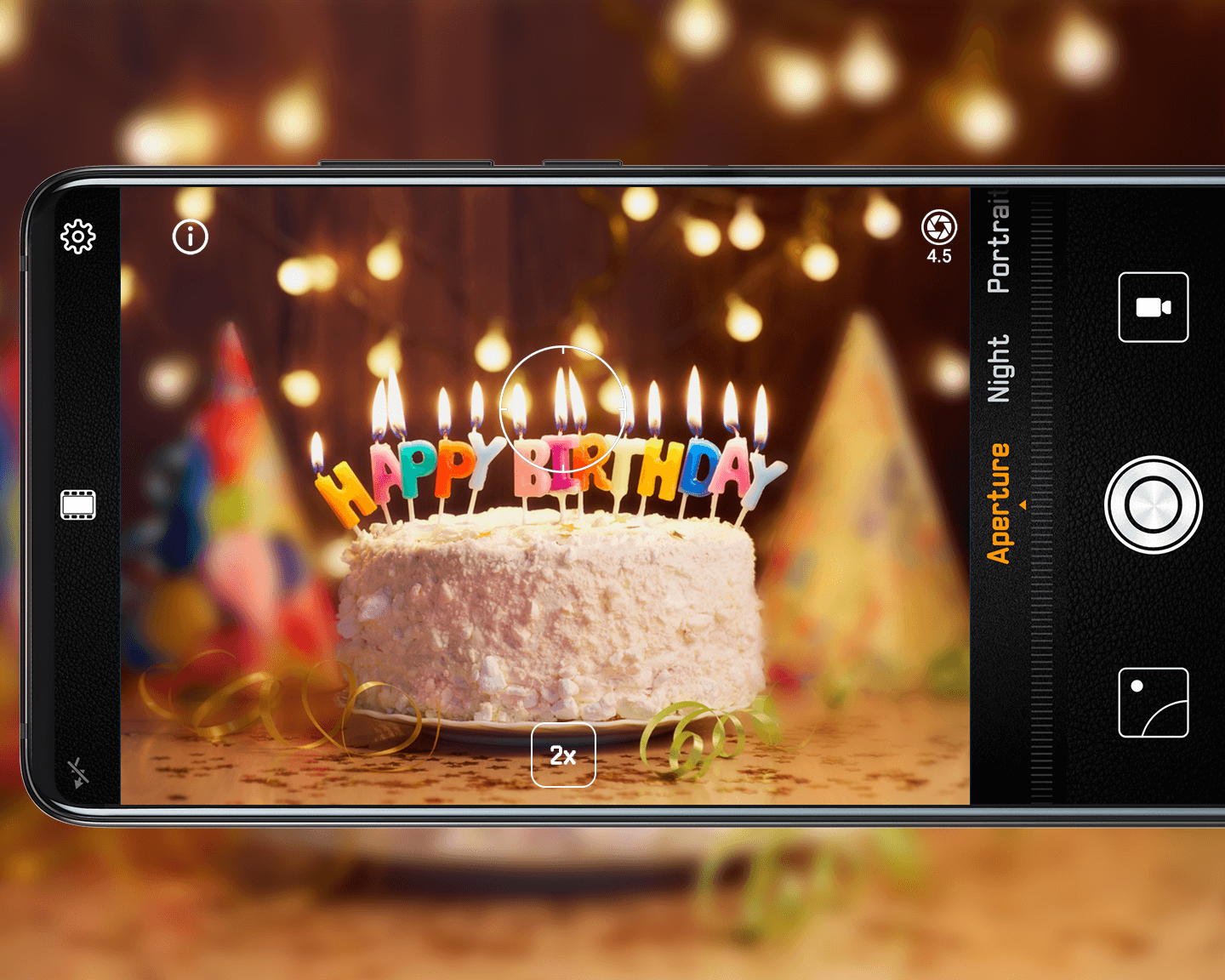
Your Subject Stand OutUse Aperture mode to control the level of background blur in your photos.
1. Open Camera, touch Aperture (farthest left on the slider), and touch the viewfinder to change the focal point.
2. Change the aperture level by touching  . A lower aperture
level results in a more blurry background.
. A lower aperture
level results in a more blurry background.
For best results, keep your subject within 2 meters of your camera.