

 Take
Masterful Photos with Master AI
Take
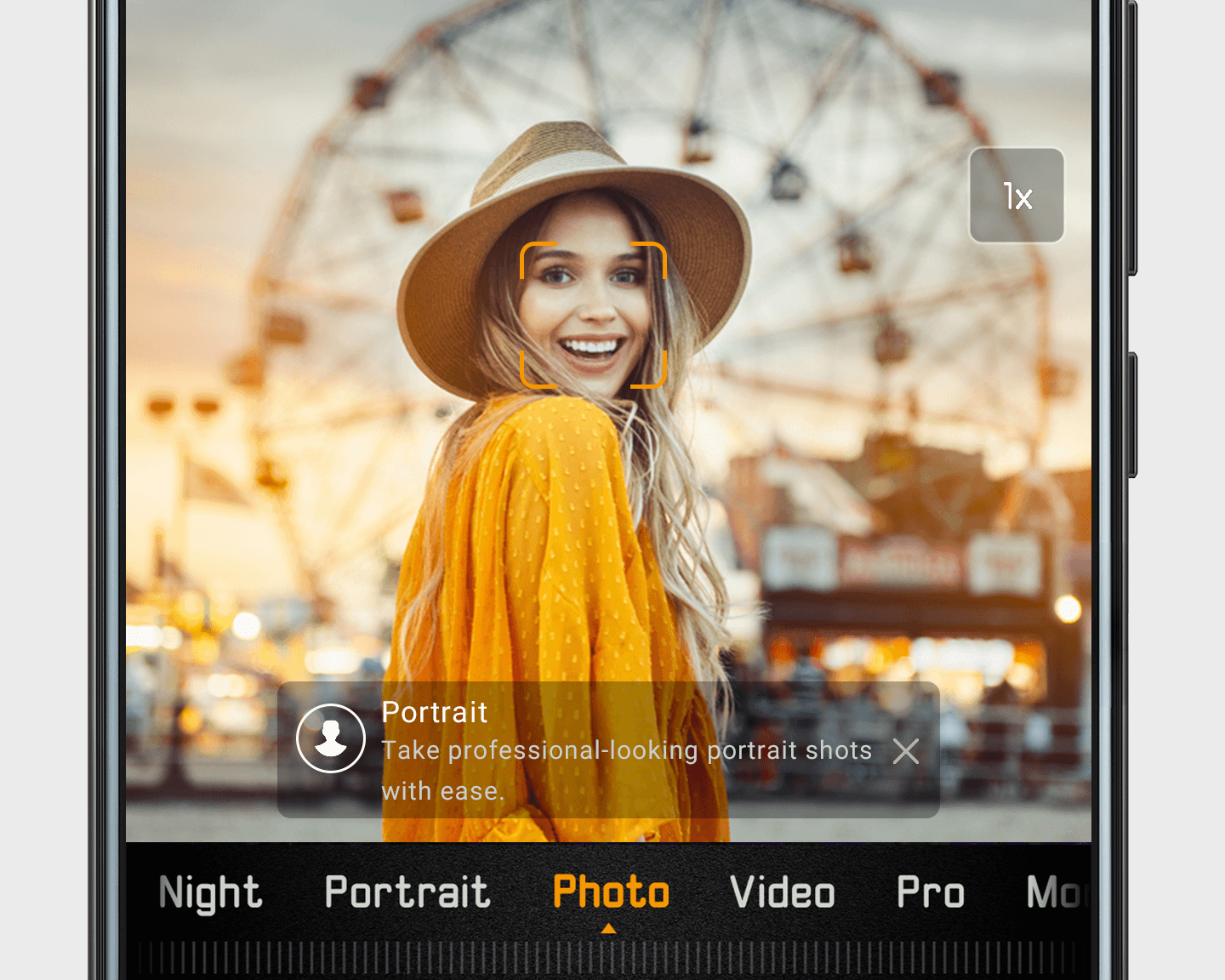
Masterful Photos with Master AIUse Master AI to optimize your camera settings for all sorts of
contexts (like beach scenes and sunsets). To enable Master AI, go to Camera
> Photo >  . Once enabled, Master AI will run in the background. When Master
AI is optimizing a shot, you'll see a card in the viewfinder.
Touch X in the Master AI card if you prefer to set up your own shot.
. Once enabled, Master AI will run in the background. When Master
AI is optimizing a shot, you'll see a card in the viewfinder.
Touch X in the Master AI card if you prefer to set up your own shot.