

 Set Up Your Phone Cards
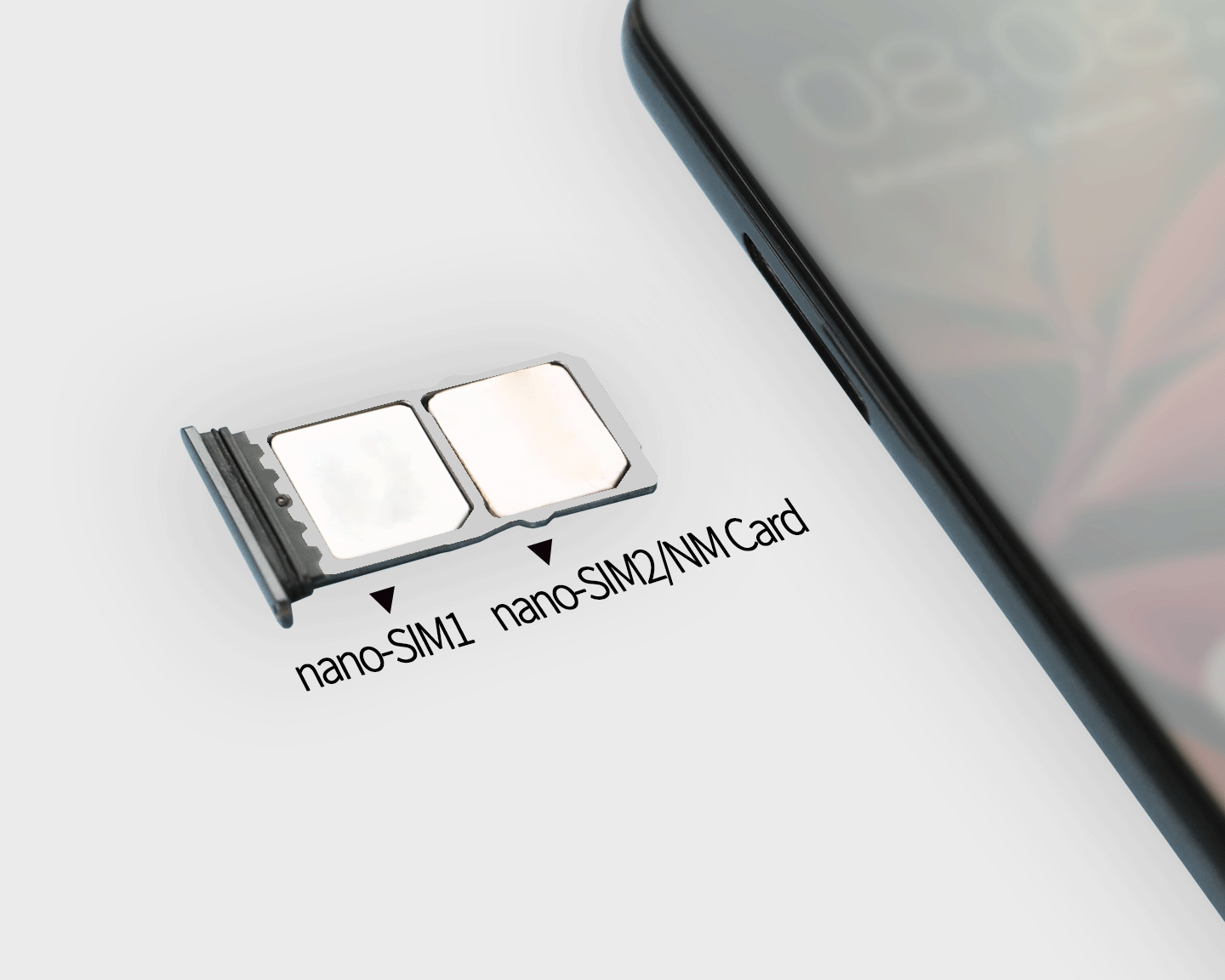
If your phone has two card slots, you can set up a second nano-SIM or an NM card for extra storage.
Slot 1 is compatible with nano-SIM cards only, while slot 2 is compatible with nano-SIM cards or NM cards.
To configure dual SIM settings, go to , and choose your default mobile data and calling SIMs.
Note: Turn off your phone before installing the cards, check that cards are placed in the correct slots, and make sure to insert the card holder back into your phone correctly.