

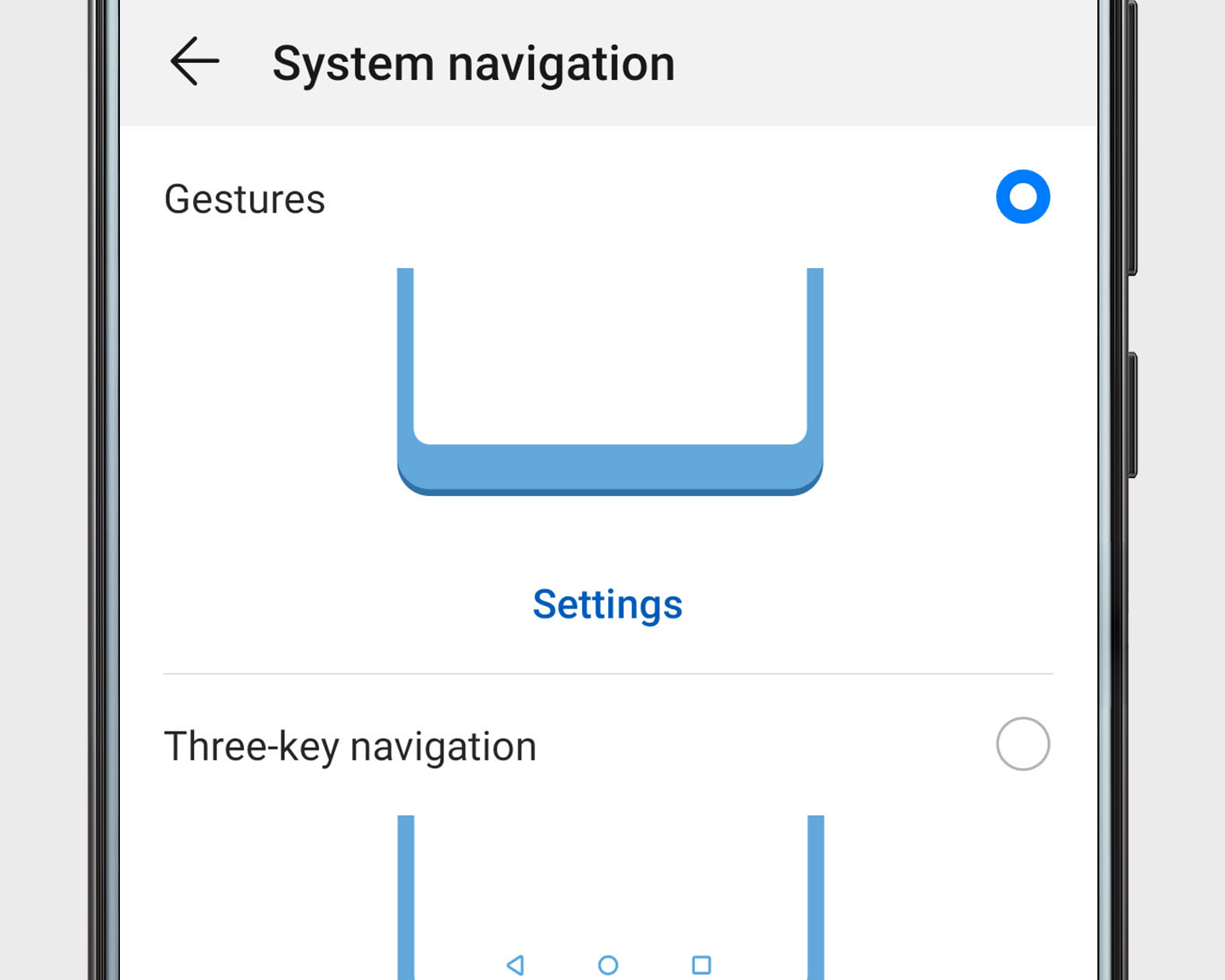
 Navigate with Gestures
Feeling minimalist? Say goodbye to navigation keys, bars, and docks. Open Settings, go to and select Gestures.
Navigation gestures:
Home screen: Swipe up from the bottom of the screen.
Back: Swipe inward from the left or right edges.
Recent tasks: Swipe up from the bottom of the screen and hold.