

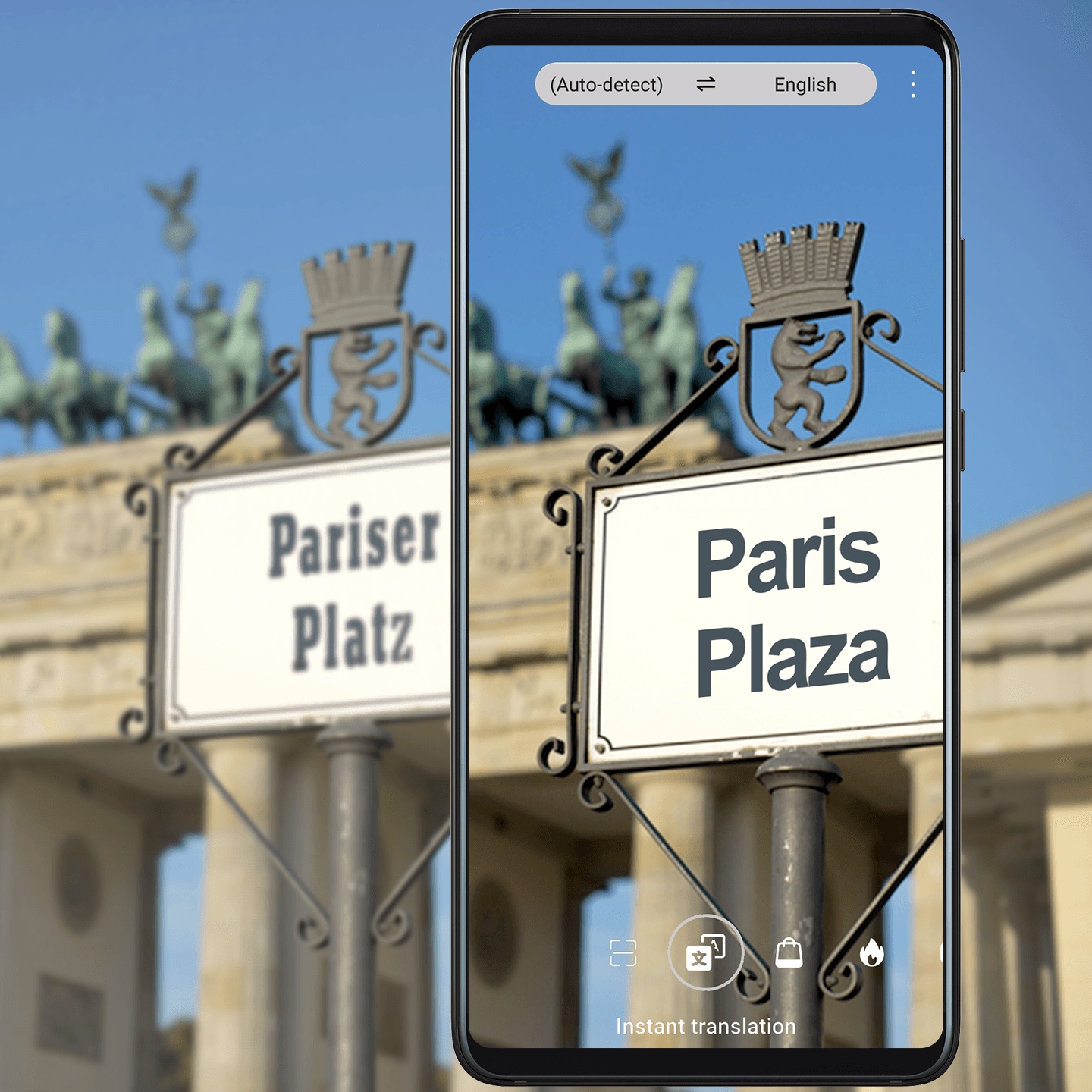
Be a Local, Wherever You Go
Love travel, but worried about the language barrier? Whip out your phone to scan and translate street signs, menus, and more.
Try it out
1. Open Camera, make sure it's in Photo mode, and touch  at the top of the screen.
2. Touch  , and choose the language you want content
translated into.
, and choose the language you want content
translated into.
3. Point your camera at the text you want translated, and wait for your phone to translate it for you. You can also touch to take a photo of the text and have it translated.
You can go to  > Share to share the translated results, or touch
  to copy
it to your clipboard.
to copy
it to your clipboard.