

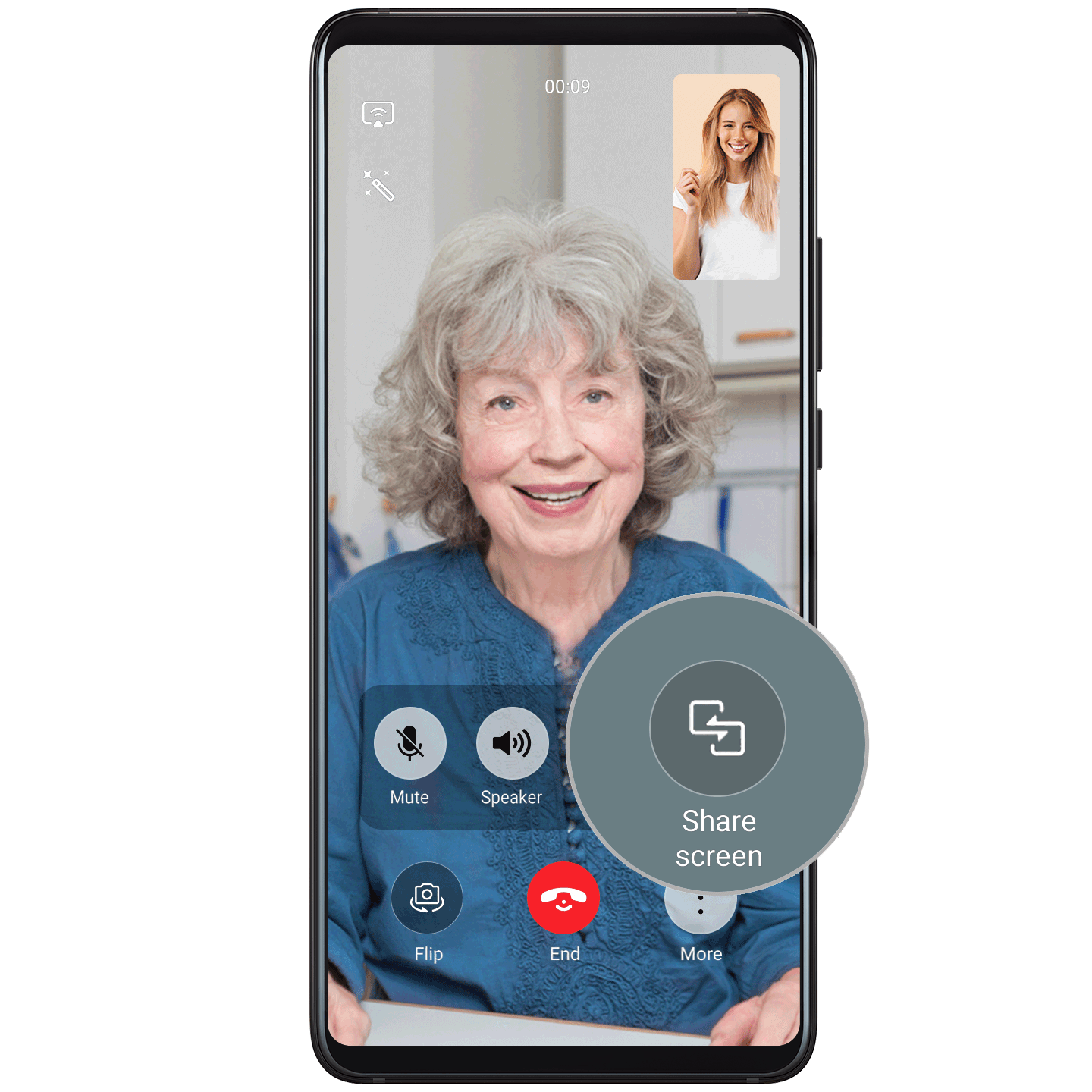
Share Your Phone Screen During MeeTime Calls
During a MeeTime call, you can share your screen, and even doodle on it, for endless fun and convenience.
Try it out
1. Make sure that your phone has an Internet connection, and touch  to start an HD video chat with a friend or loved one who has also enabled MeeTime.
2. Go to , and touch OK on the other phone to share your screen. Touch  to start doodling on the screen.
3. To stop sharing your screen, touch  .
.