

HUAWEI Desktop Support


Start Your Journey with HUAWEI Desktop
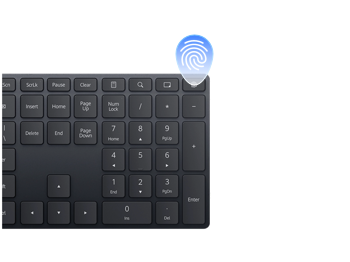
Power on and unlock your desktop by fingerprint
After you have enrolled your fingerprint, press the fingerprint button on the keyboard to start up and unlock easily and securely.
Connect a HUAWEI phone/tablet to a computer via a USB cable
Connect your device to a computer via USB to transfer files. If unrecognized, select Transfer files, try another cable, or install HiSuite.

Get the Tips You're Searching for
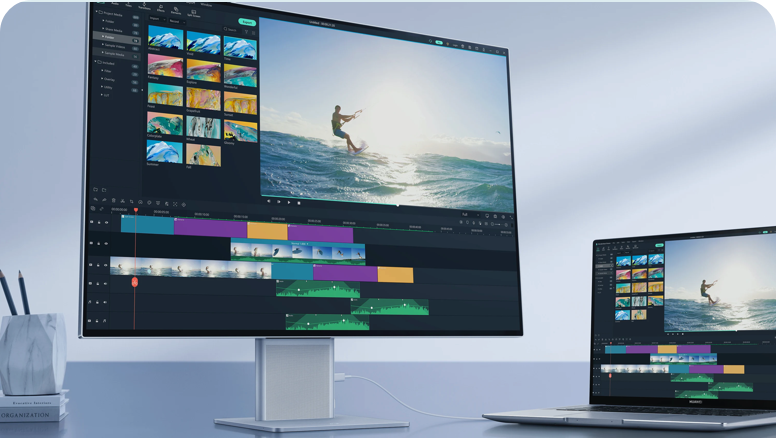
Connecting a monitor to your computer via Multi-Screen Collaboration allows you to view and browse on a larger screen
Learn how to connect your desktop to a Bluetooth device, send and receive files via Bluetooth, and change the Bluetooth name.
When Safe Mode is enabled, you can detect, locate, and fix faults on your computer.



More Questions


