

More Backup Options
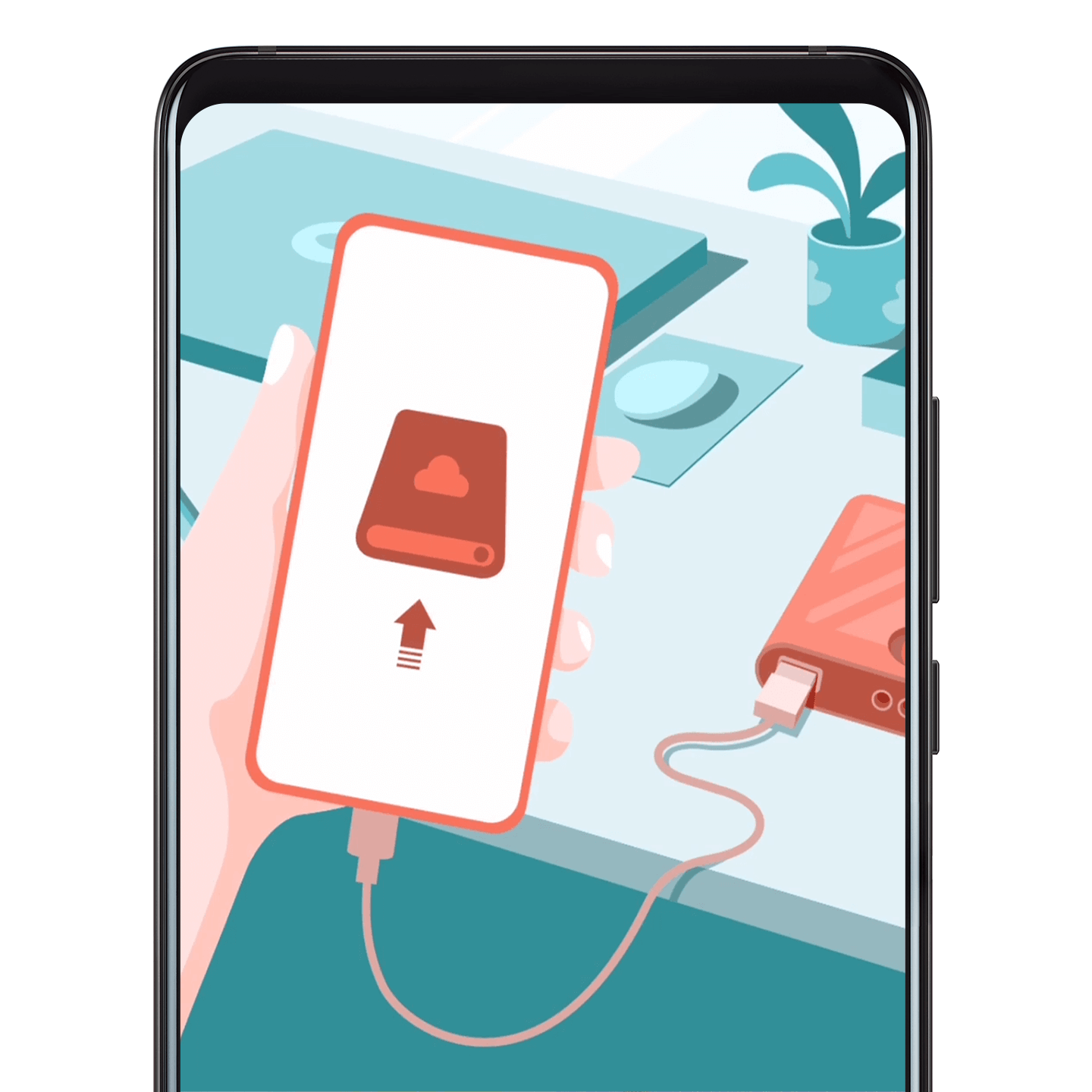
Back up your phone data to a memory card, USB device, or shared folder and restore the backup anytime.
To back up: Open Settings, go to , and choose how you want to back up your data.
To restore: Find the backup you want to restore, and touch Restore.
Note
You can use the HUAWEI Back-Up device (sold separately) to back up your phone while charging.