

Keep an Eye on Your Screen
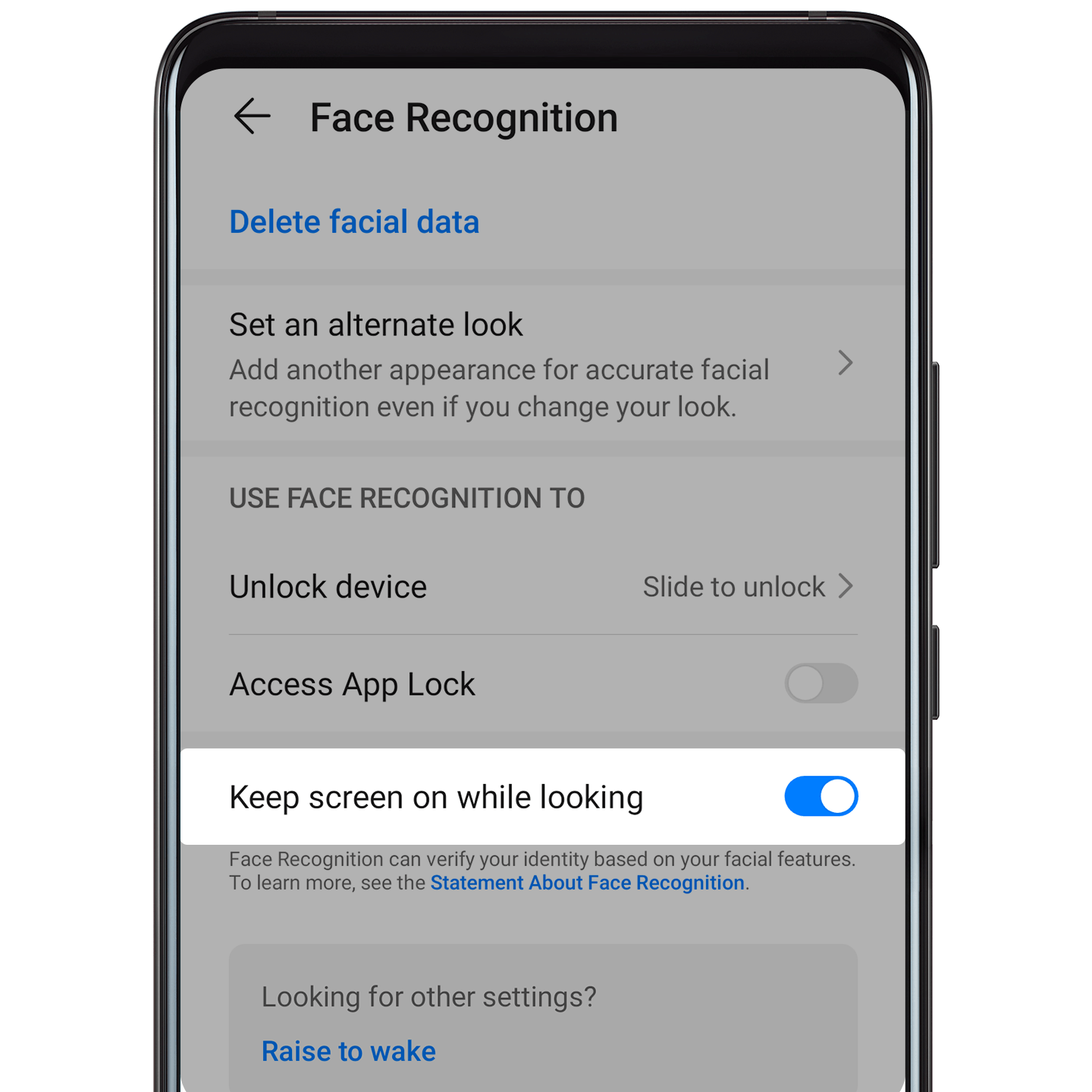
When Keep screen on while looking is enabled, your screen will stay on as long as you are directly looking at it.
If the screen dims after it hasn't been used for a while, you can turn it back on with a simple glance.
Set it up
Open Settings, go to , and follow the onscreen instructions to enroll your facial data. Then, just enable Keep screen on while looking, and you're good to go!