
Alarm
Applicable products:
HUAWEI P30 Pro(single sim card 8gb+256gb、dual sim card 8gb+512gb、single sim card 6gb+128gb、dual sim card 6gb+128gb、dual sim card 8gb+256gb、single sim card 8gb+128gb、dual sim card 8gb+128gb)
Applicable system:
EMUI 10.0
Applicable products:
Applicable system:
These are your search results, please select one
No results found, please select again
| Alarm |
You can set alarms to play a sound or vibrate at specific times.
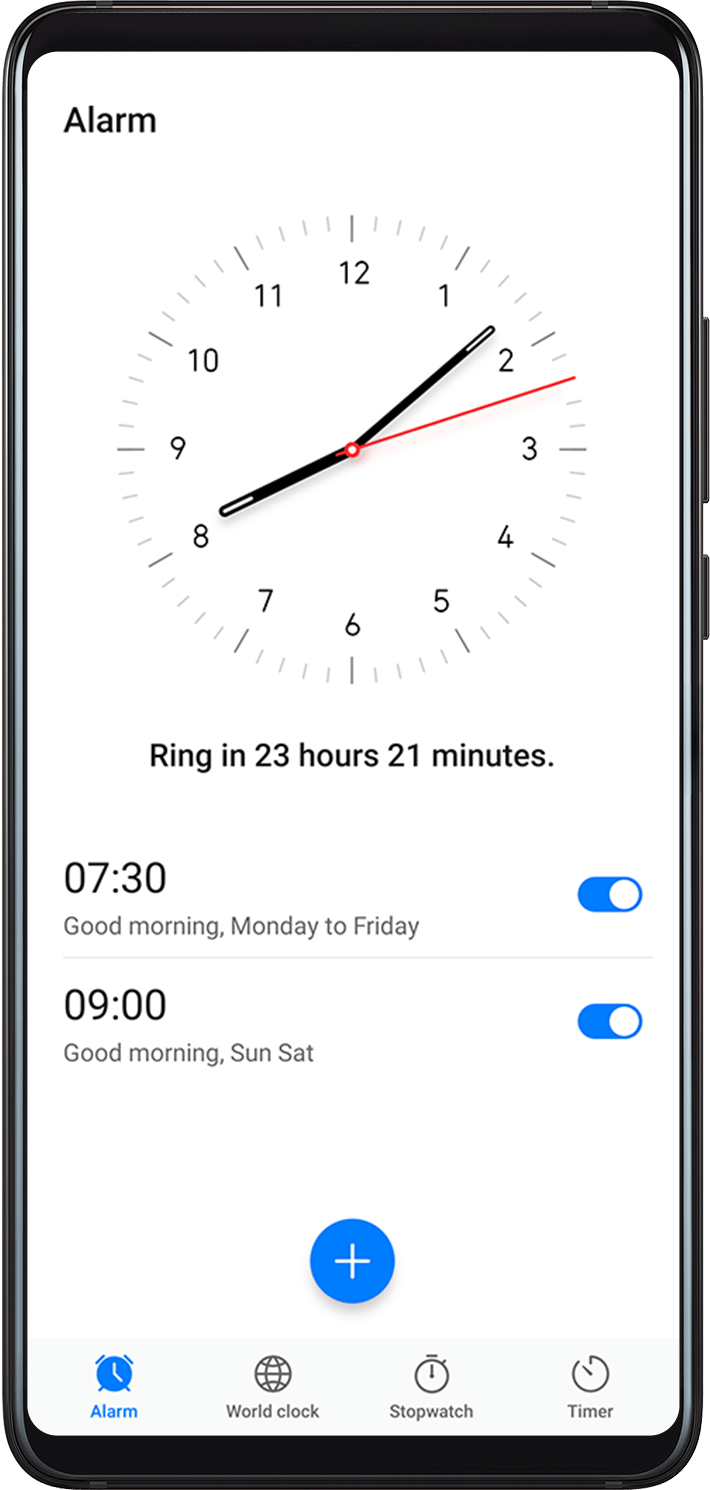
Set an Alarm
Go to
 , touch
  , and set a time.
Select a sound for the alarm. The sound will play when you select it. You can press the Volume buttons to adjust its volume.
-
Set the following options according to your preferences:
Repeat
Vibrate
Ring duration
Snooze duration
Label
When you are finished, touch
 .
.
Modify or Delete an Alarm
Touch an existing alarm to modify or delete it.
Thanks for your feedback.