
Adjust Sound Settings
Applicable products:
HUAWEI P30 lite(single card 4gb+128gb、dual card 4gb+128gb)
Applicable system:
EMUI 10.0
Applicable products:
Applicable system:
These are your search results, please select one
No results found, please select again
| Adjust Sound Settings |
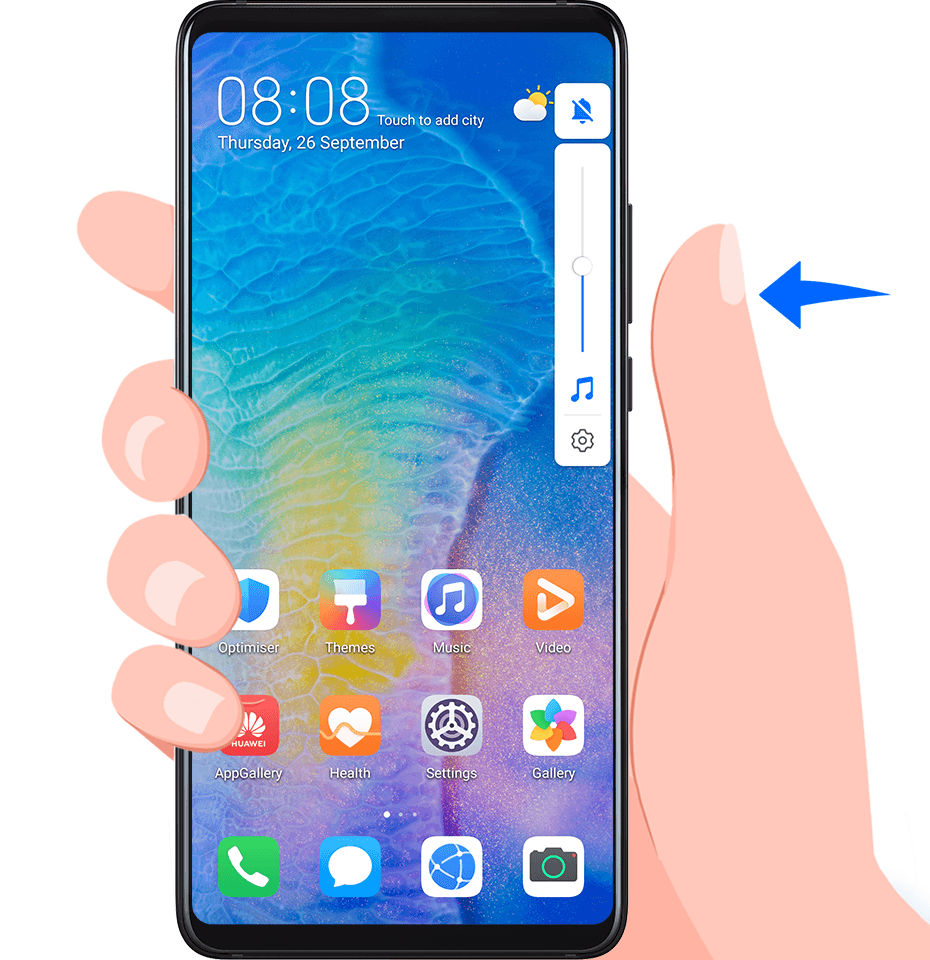
Press a Volume Button to Adjust the Volume
Press the Volume up or down button to adjust the volume.
Press the Power Button to Mute Your Device When It Rings
When your device rings for an incoming call or alarm, you can press the Power button to mute it.
Flip to Mute or Raise to Reduce Ringing Volume
When you receive an incoming call, you can flip your device to mute it, or raise it to reduce the ringing volume.
Go to  , then enable Reduce call ringing volume.
Set the Default Volume
Go to , then you can set the volume for the following items:
Media (video, games, music, and more)
Ringtones
Alarms
Calls
Use a Shortcut to Switch Between Ring, Vibrating, or Mute Mode
Swipe down from the status bar to open the notification panel, then swipe down on it again to show all shortcuts.
Touch the
 Sound,
  Silent, or
  Vibration icon to switch between different modes.
Thanks for your feedback.