

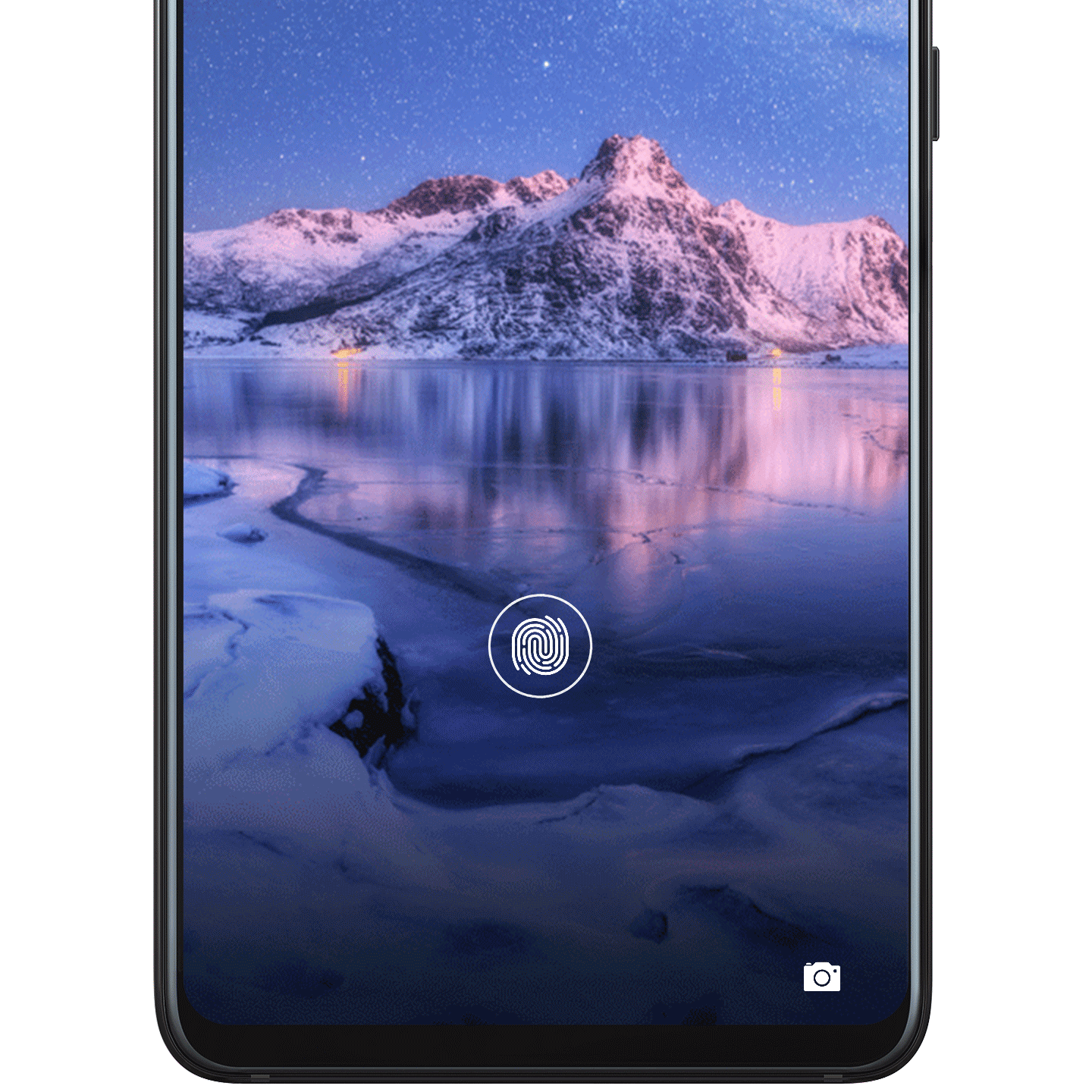
Touch for Seamless Access
Unlock your phone and dedicated apps, or make hassle-free payments, with the in-screen fingerprint sensor. It's simple, secure, and sensitive to touch.
Set it up
1. Open Settings, go to , and enter your lock screen password.
2. Turn on Unlock device.
3. Touch ADD FINGERPRINT and follow the onscreen instructions to enroll your fingerprint.
 Note
Note
Fingerprint features may vary depending on your device model.