

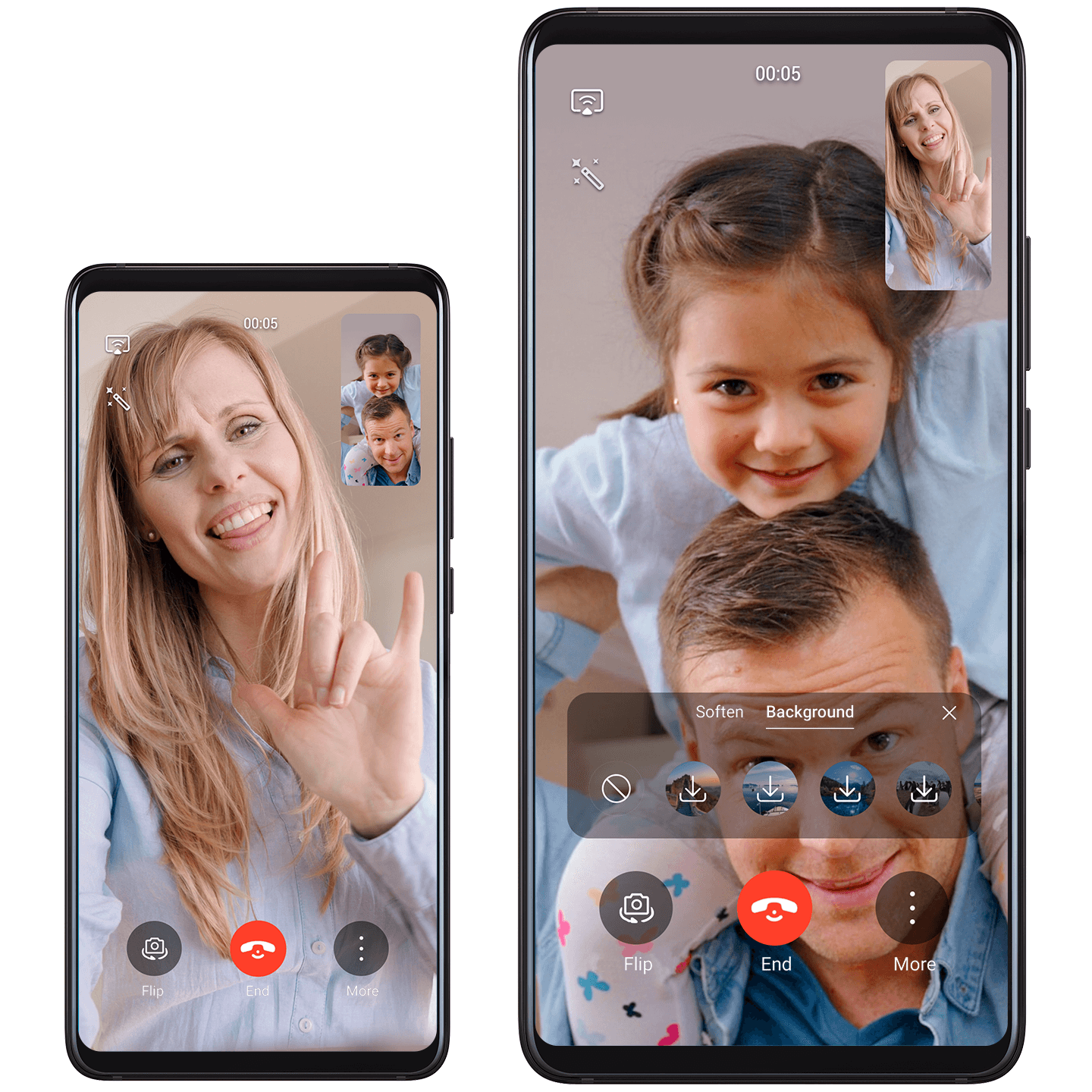
MeeTime: Your Time with Loved Ones
Enjoy pristine HD voice and video calls in all lighting conditions, to friends and family who have also enabled MeeTime on a Huawei phone or TV.
Try it out
To enable MeeTime, go to , and follow the onscreen instructions to complete the setup process.
To start an HD call or video chat, confirm that your phone has
a stable Internet connection, and touch  or
or  next to the device for the contact you wish to
call. You can touch
next to the device for the contact you wish to
call. You can touch  to adjust the beauty level.