
Where Art Meets Work — An Artist's Canvas for Both Productivity and Inspiration

Copy Link


Written by Lihua Wong
Reaching New Heights with the
HUAWEI MatePad Pro 12.2
7 min readPublished on 04/12/2025 · 09:28
7 min read
Published on 04/12/2025 · 09:28
Copy Link
About the Author

This tablet doesn't just accommodate both sides of my professional life—it actively enhances them. Whether I'm responding to client emails in the morning or sketching landscapes at sunset, I've found a single device that transitions between these modes as fluidly as my own thinking.
In this article
01. Why I Finally Embraced Tablet Life
02. Finding the Right Tool for Both Sides of My Brain
03. The HUAWEI MatePad Pro 12.2 as a Professional Workhorse
04. GoPaint: Where My Artistic Side Thrives
05. The Little Things That Make a Big Difference
06. Finding Freedom in the Field
07. My Creative Life, Reimagined
08. Frequently Asked Questions
Why I Finally Embraced Tablet Life
After years of resistance (I'm admittedly old-school about certain artistic tools), several
scenarios finally convinced me that a quality tablet wasn't just nice-to-have, but essential:
•When traveling to client meetings, I needed to present work professionally without lugging my
entire studio.
•Quick inspiration strikes when I'm nowhere near my drawing table.
•Client revisions often come while I'm on the go.
•Reference photos, drawing tools, and business apps all needed to live in one place.
The benefits quickly became clear: my backpack got lighter, my responsiveness to clients improved,
and most importantly—my creative practice expanded because the tools were always at hand.
Finding the Right Tool for Both Sides of My Brain
After trying several options that disappointed in one way or another, I learned to evaluate tablets
on criteria that matter to both the artist and professional in me:
•Display quality that doesn't compromise on colour accuracy (crucial for client approvals).
•True pressure sensitivity that actually feels like drawing, not sliding on glass.
•Processing power that handles large Photoshop files without frustrating lags.
•Battery life that lasts through a day of meetings and field sketching.
•Stylus performance that doesn't break my creative flow with connectivity issues.
The HUAWEI MatePad Pro 12.2 as a Professional Workhorse
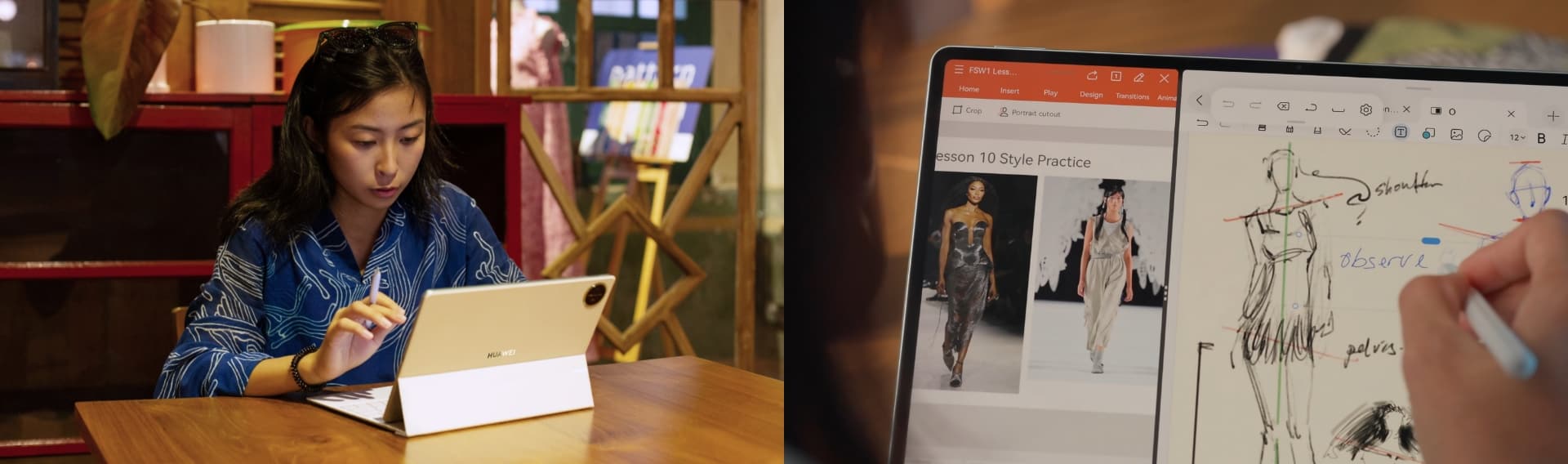
In my daily client work, the HUAWEI
MatePad Pro 12.2 has replaced my laptop for all but the most
specialised tasks. The WPS Office suite deserves special mention—this isn't a watered-down mobile
version of office software that has you reaching for your laptop when "real work" comes in.
I can now:
•Open multiple reference documents alongside my working file (game-changer for complex
projects).
•Create and edit full presentations without compromising on quality.
•Handle spreadsheets for project tracking and client billing on the go.
The multi-window support means I can research, draft, and communicate with clients simultaneously—a
workflow that previously required a desktop setup. Better yet, I can connect to an external monitor
in my studio for extended work sessions, then grab just the tablet when heading to my favorite café.
12.2-inch Tandem OLED PaperMatte Display
Boost Your Productivity with PC-level WPS Office and HUAWEI Notes
Flip-to-Open Keyboard with Stylus Charging & Storage
GoPaint App with All-new Animation and 3D Oil Painting Brush
GoPaint: Where My Artistic Side Thrives
As someone who started with traditional media, the transition to digital has often felt like a
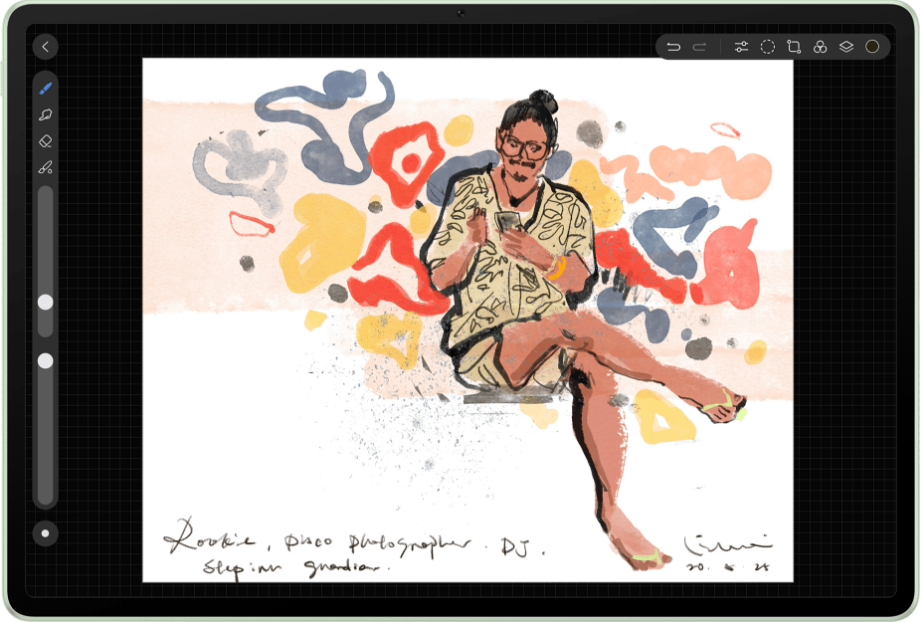
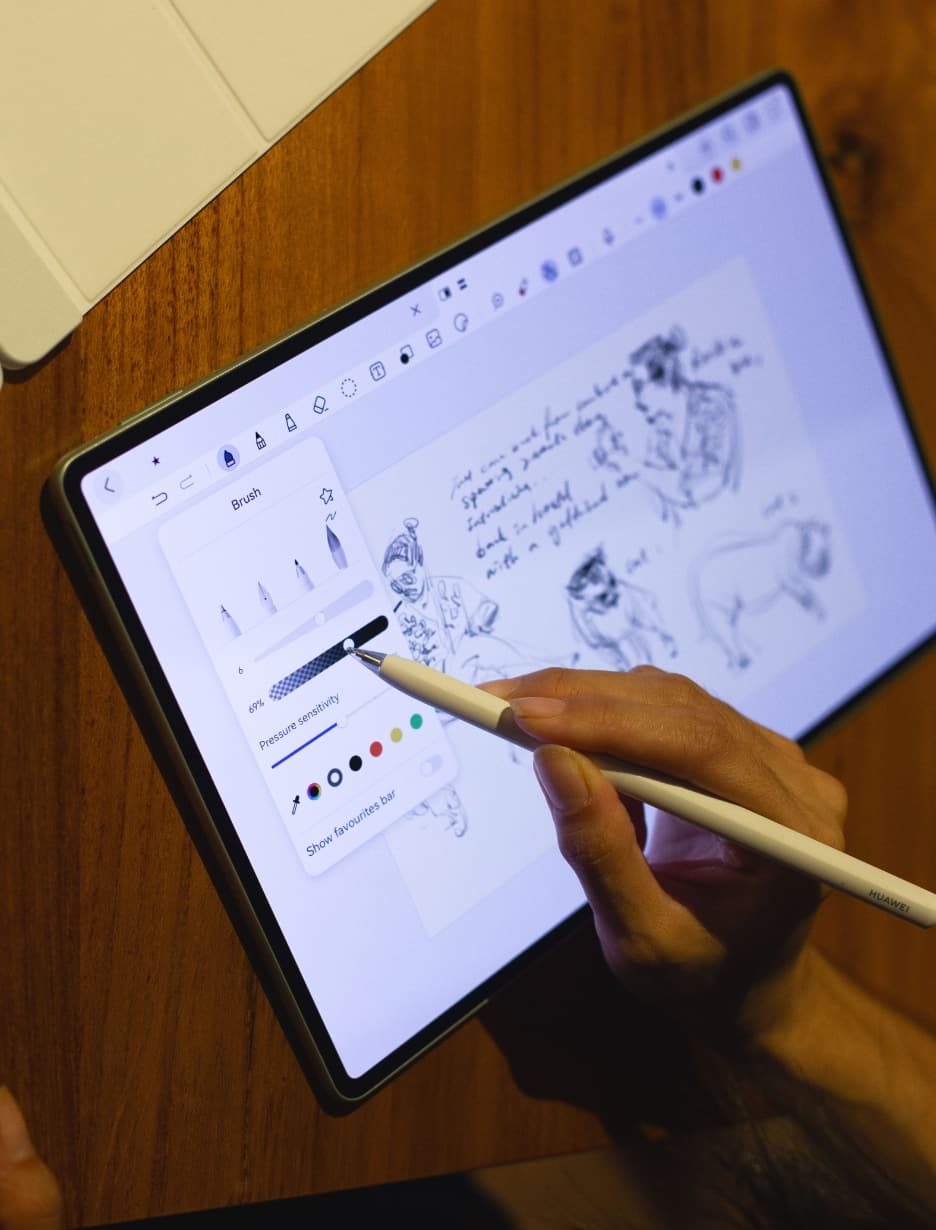
compromise. GoPaint has changed that perception entirely. The basic toolset provides everything I
need:
•The Splatter Brush creates authentic paint spatters that respond to pressure in ways that feel
genuinely organic.
•The Fluid Brush handles like real watercolour—watching digital pigment bloom and spread still feels
like magic.
•TrueColour accuracy means what I see is what clients get—no more surprise colour shifts at
printing.
What truly excites me are the newer creative features:
The frame-by-frame animation tools have opened an entirely new revenue stream for my business—I
now
offer simple animations to clients who previously would have needed to hire a specialist. And
tThe
3D Oil Painting Brush creates texture and depth that my clients can't believe comes from a
digital
device.
What truly excites me are the newer creative features:
The frame-by-frame animation tools have opened an entirely new revenue stream for my business—I
now
offer simple animations to clients who previously would have needed to hire a specialist. And
tThe
3D Oil Painting Brush creates texture and depth that my clients can't believe comes from a
digital
device.
The Little Things That Make a Big Difference
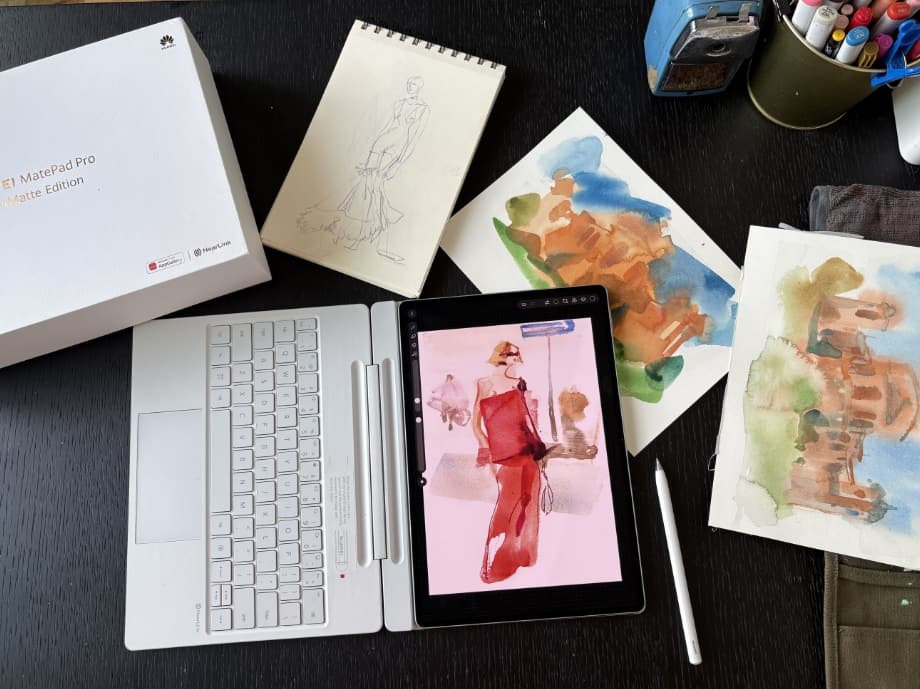
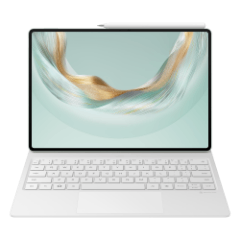
The GENIUS keyboard deserves its name—the one-handed open/close mechanism means I can quickly
transition between typing notes and drawing, while the stylus storage ensures I never face that
moment of panic when I can't find my pen before a client meeting.
As for the screen—it's simply the best drawing surface I've used on a tablet. The PaperMatte texture
creates just enough resistance to make my pen strokes deliberate, not slippery. I can actually hear
the pen against the surface, providing that tactile feedback my artist brain craves.

“Lighter bag, better results—what's not to love?”
Finding Freedom in the Field
The anti-glare screen has transformed my outdoor sketching practice. I can now draw in the park at
midday without fighting reflections—something even my traditional sketchbooks struggle with in
bright conditions. Drawing a sunset while actually watching the sunset is no longer an exercise in
squinting and frustration.
GoPaint's capabilities continue to surprise me even after months of use. The watercolour effects
respond with such natural physics that I often forget I'm working digitally. With just a few finger
taps for undo/redo and colour picking, my workflow feels faster than traditional media without
losing any of the spontaneity.
What impresses me most is the absence of lag. After struggling with noticeable delay on previous
tablets (those connect to PC or Laptop), drawing on the MatePad feels instantaneous—my line appears
exactly when and where I expect it.
The expanded brush library delivers immediate texture and character to my work. That watercolour
wash effect that used to take careful building now happens with a single stroke, and tapping the pen
creates delightful splatter effects that add just the right touch of spontaneity. My field sketches
have transformed from rough references to finished pieces I'm proud to share directly with clients.
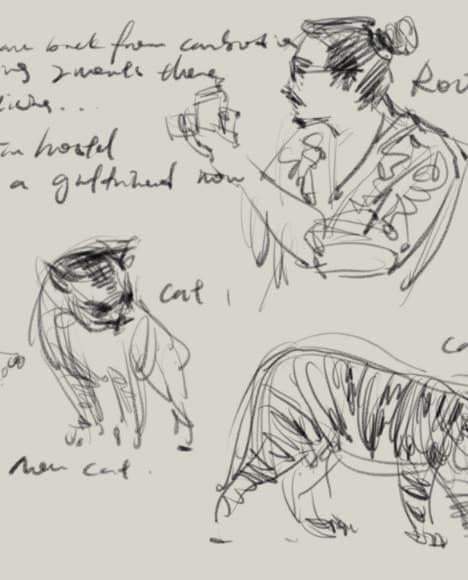
Having the camera integrated means, I never miss a moment of inspiration. That perfect cloud
formation or interesting architectural detail gets captured, sketched, and annotated in one
seamless workflow—no more juggling between camera and sketchbook.
For artists like me who work on location, this tablet answers that eternal question: "Did I
pack enough supplies?" The answer is always yes—my entire studio now weighs less than my old
hardcover sketchbook. The HUAWEI
MatePad Pro 12.2 hasn't just replaced my portable
tools—it's expanded what I can create when inspiration strikes away from the studio.
My Creative Life, Reimagined
The HUAWEI
MatePad Pro 12.2 has genuinely transformed my creative practice by removing the
artificial boundary between "work mode" and "creative mode." I no longer need to schedule separate
time for administrative tasks versus artistic creation—both flow together naturally on a device that
adapts to my needs throughout the day.
Whether I'm generating concepts for clients, refining final artwork, or simply capturing inspiration
when it strikes, having professional-grade tools always at hand has made me both more productive and
more creative. The technical limitations that once dictated when and where I could create have
largely disappeared.
For creative professionals seeking to integrate their artistic practice with business demands, this
tablet represents a genuine solution rather than a compromise. It acknowledges that creativity
doesn't operate on a schedule, and professional needs don't disappear during creative moments.
Frequently Asked Questions:
What tablet can write notes on like paper?
After trying numerous options, the HUAWEI
MatePad Pro 12.2 comes closest to replicating the feel
of
writing on paper. The PaperMatte screen provides just enough resistance, and the sound of pencil
moving on it actually tricks my brain into thinking I'm using a traditional medium. For artists
with
years of muscle memory from traditional drawing, this makes the digital transition much more
intuitive.
Does a tablet increase productivity?
In my experience, absolutely yes—but only when it truly replaces multiple devices. The HUAWEI
MatePad Pro 12.2 has increased my productivity specifically because I'm no longer
switching
between
devices for different tasks. When a client calls about changes while I'm sketching in the field,
I
can handle their request immediately rather than waiting until I'm back at my desk. This kind of
seamless workflow simply wasn't possible with my previous setup.
What can a tablet do that a laptop cannot?
From an artist's perspective, the natural drawing input is irreplaceable—no trackpad or mouse
can
compete with direct stylus-to-screen creation.
This article is a sponsored collaboration with Lihua Wong. The views expressed are the author's personal opinions and do not represent official product claims. Actual performance may vary based on individual usage and conditions.
Read more
Explore
Copied