HUAWEI MatePad 11.5 S 2026

HUAWEI MatePad 11.5 S 2026
Refresh Your Vision

超清 PaperMatte 柔光屏1 | HUAWEI Notes | 可拆卸式鍵盤

超清 PaperMatte 柔光屏1

柔光護眼更清晰。

HUAWEI Notes2

輕鬆記錄,隨時回顧。

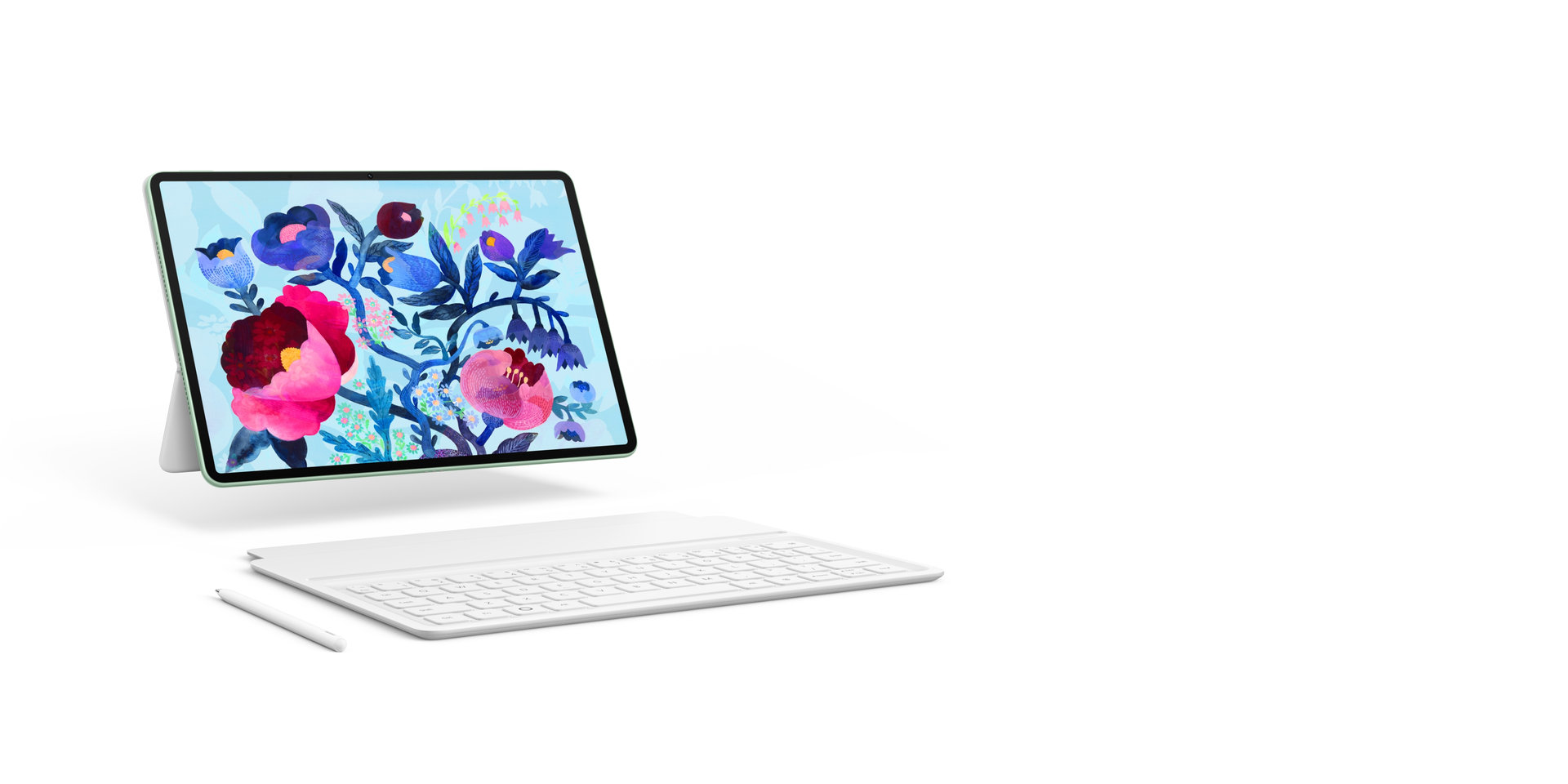
M-Pencil Pro 及可拆卸式鍵盤3

你的完美拍檔,輕鬆完成工作。

專業應用程式

平板電腦上的 PC 級生產力。

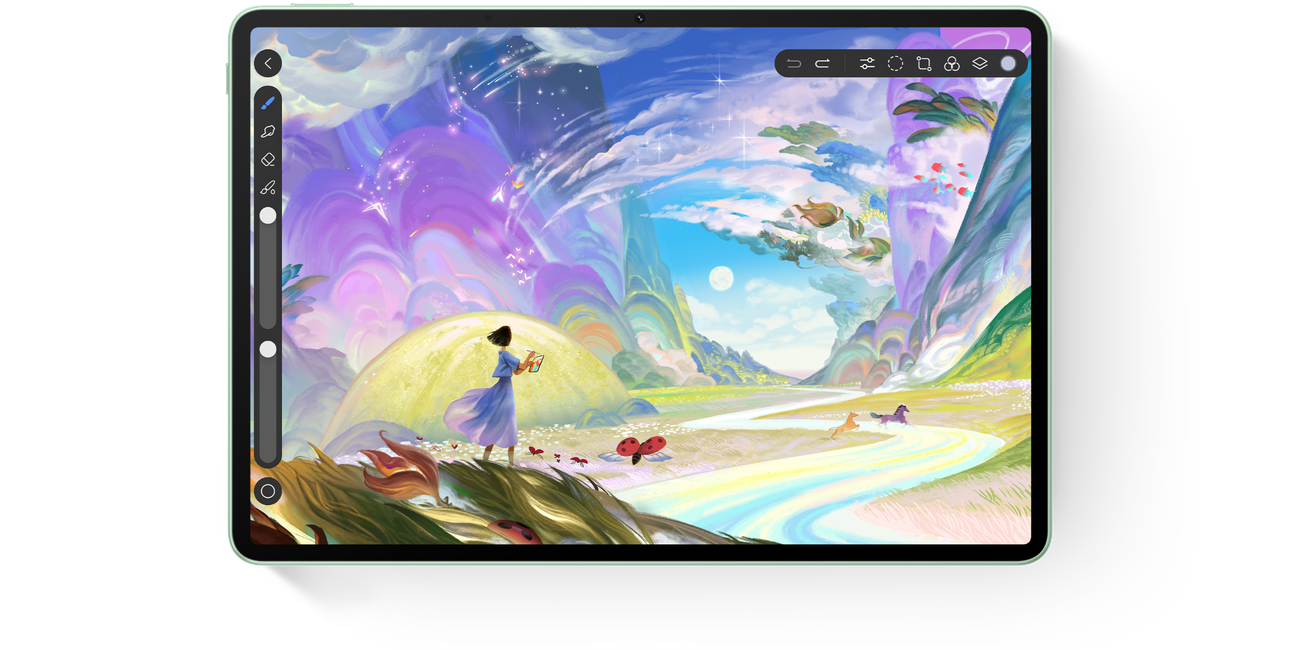
GoPaint4

工作室級筆刷選擇。

時尚設計

鮮豔色彩搭配流線型機身。

清新輕盈

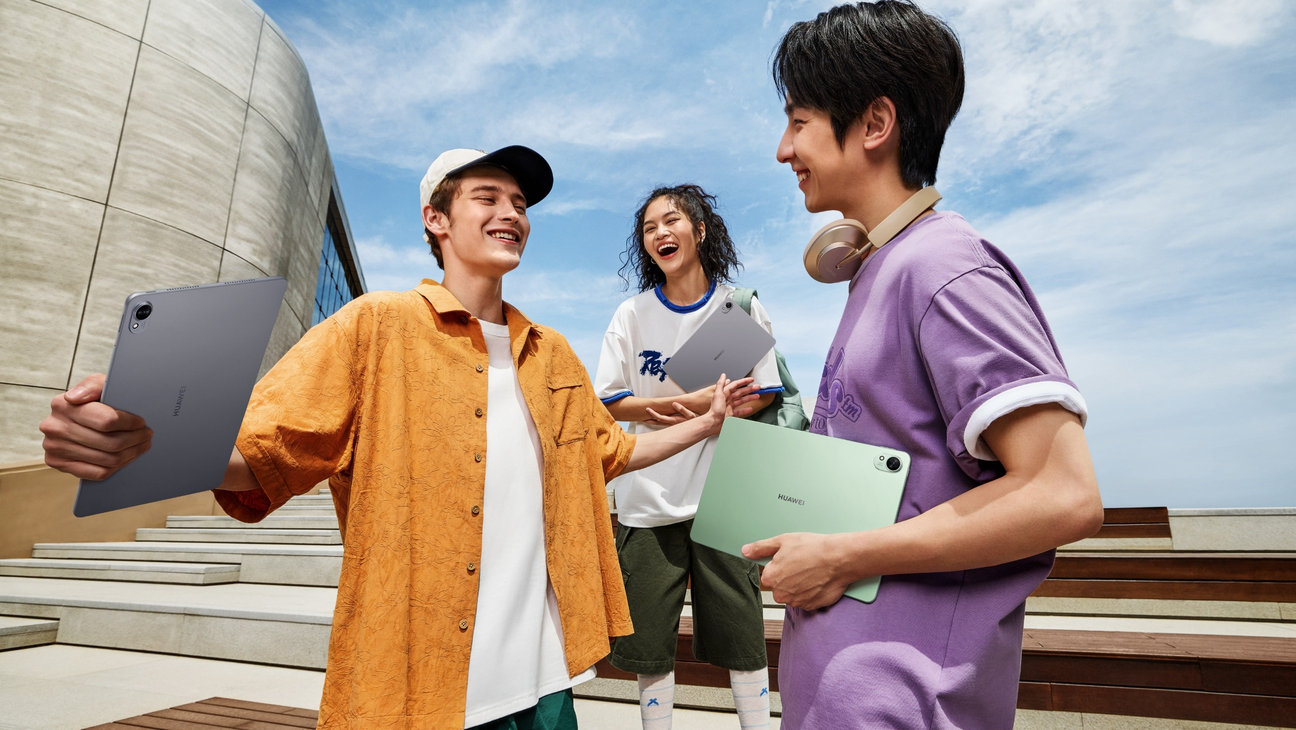
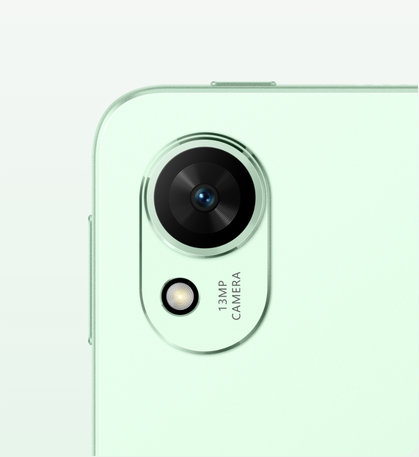
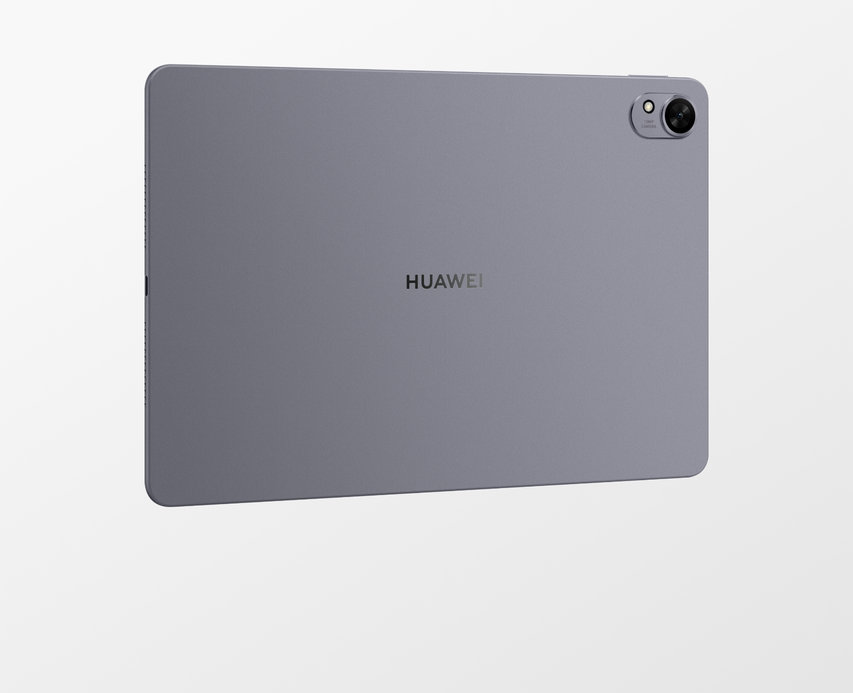
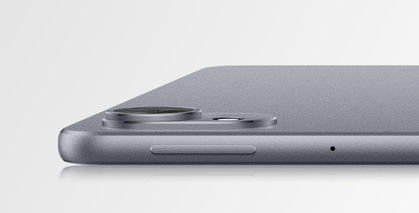
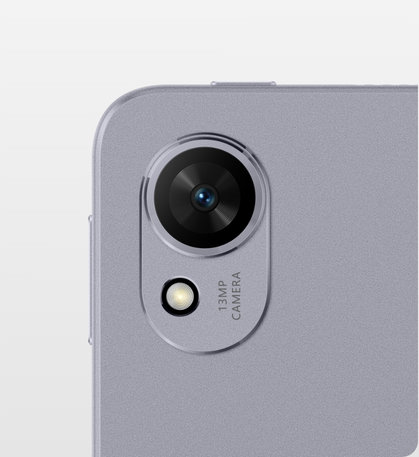
全金屬機身設計,備有原野綠和深空灰兩種配色,將為您的日常生活增添一抹亮色。輕盈而堅固,兼具經久耐用的時尚感和便捷的攜帶性,是忙碌生活的理想之⁠選。

輕至5

515 g

薄至5

6.1 mm
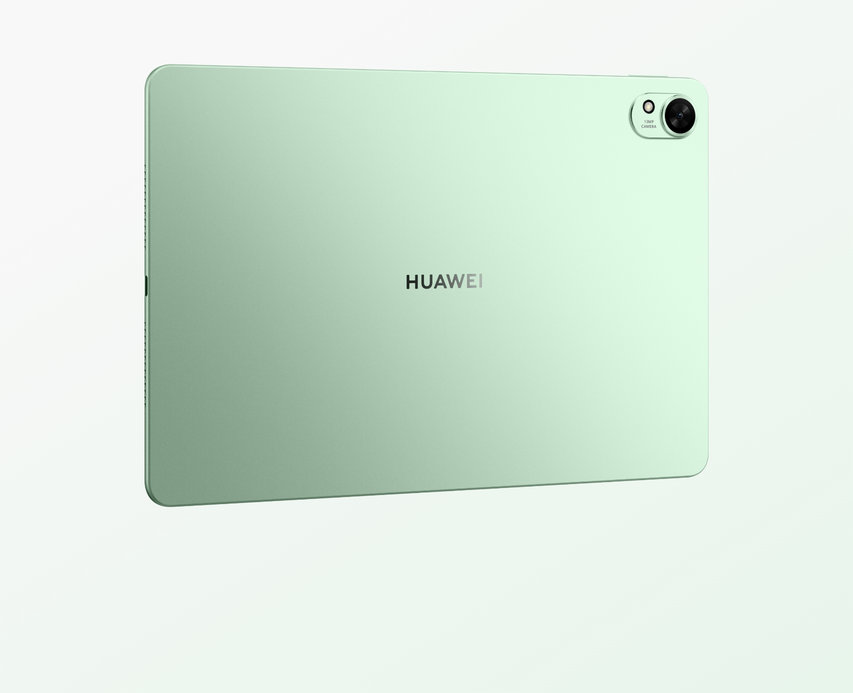
Image of the green HUAWEI MatePad 11.5 S 2026 from the back
HUAWEI MatePad 11.5 S 2026 side view, showing the frame
HUAWEI MatePad 11.5 S 2026 back view, showing the camera
Image of the gray HUAWEI MatePad 11.5 S 2026 from the back
HUAWEI MatePad 11.5 S 2026 side view, showing the frame
HUAWEI MatePad 11.5 S 2026 back view, showing the camera

原野綠

深空灰

PaperMatte
持久舒適

超清 PaperMatte 柔光屏幕1專為舒適與清晰而打造。採用高精度防眩納米蝕刻技術,表面反光減少 50%6,帶來令人驚嘆的抗眩光視覺體驗7

紙感寫繪,運筆更自然,好看又好寫。消除達 99% 干擾光8,室內戶外,顯示更清⁠晰。

護眼模式7
過濾藍光

電子書模式
顏色 | 黑色 & 白色

TÜV Rheinland 低藍光(硬件級)認證
TÜV Rheinland 無閃爍認證

SGS 低視覺疲勞 2.1
金標認證

*SGS 認證僅適用於 PaperMatte 版本。

紙感書寫
靈感隨時傾瀉

用舒適紙感寫繪體驗打開感官,讓更多靈感不斷湧⁠現。

The user enjoys writing on HUAWEI MatePad 11.5 S 2026, which delivers paper-like writing experience

*手寫筆或需要另行購⁠買。

細節
豐富清晰

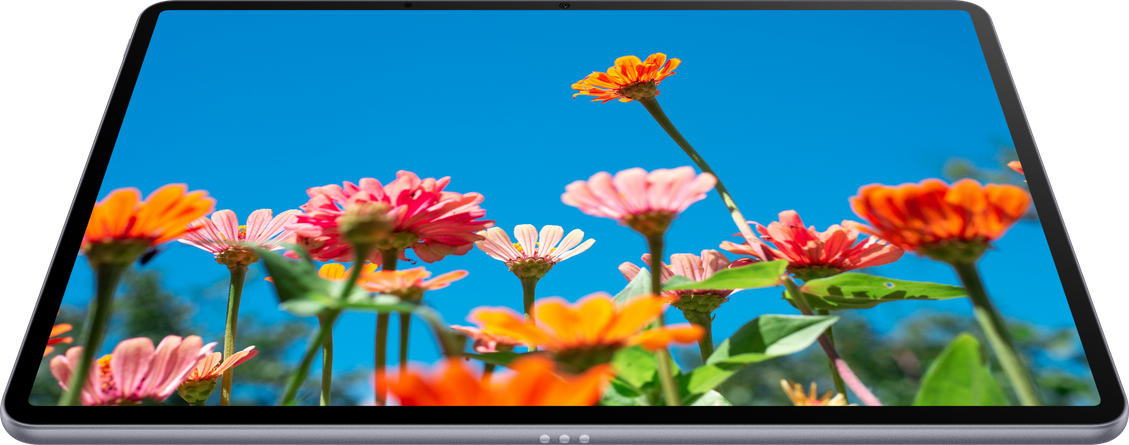
令人驚豔的 144 Hz HUAWEI FullView Display 屏幕9,其 2.8K 解像度帶來豐富細節10,更擁有逼真的 P3 廣色⁠域。

HUAWEI MatePad 11.5 S 2026 display image, showcasing screen features such as full-screen design and high refresh rate

2.8K

解像度

30 Hz - 144 Hz

自調式刷新率

P3

廣色域

HUAWEI Notes

瞬間捕捉靈感

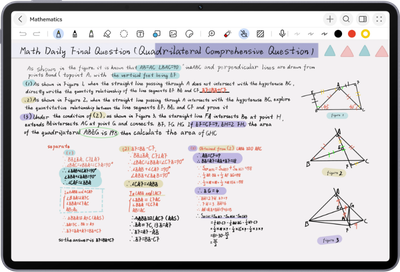
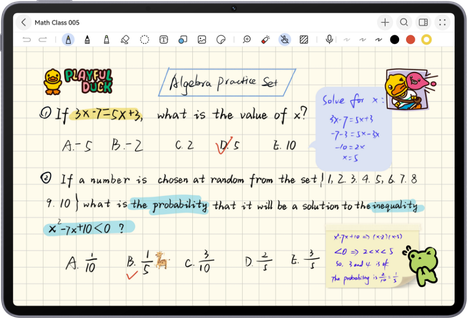
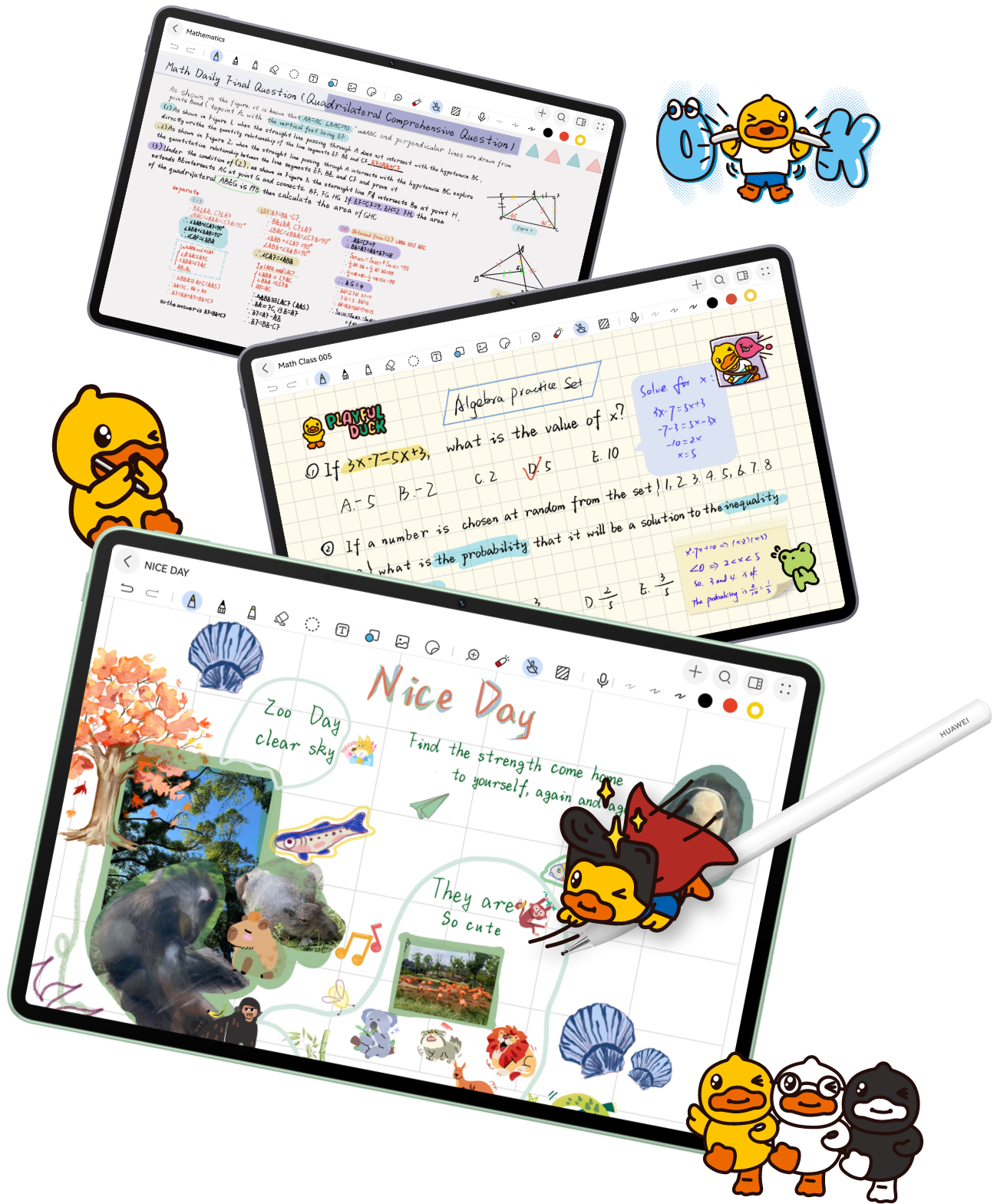
使用 HUAWEI Notes,讓你效率倍增,甚至可以辨識並幫你解方程式。此外,資源中心更提供大量封面、貼紙和紙張類型,讓每個項目都充滿個⁠性。

HUAWEI MatePad 11.5 S 2026 screen image, demonstrating note-taking with HUAWEI Notes HUAWEI MatePad 11.5 S 2026 screen image, demonstrating note-taking with HUAWEI Notes

AI 方程式辨識2

AI 字跡優化

資源中心

筆記回放

GoPaint

GoPaint,
Go Create4

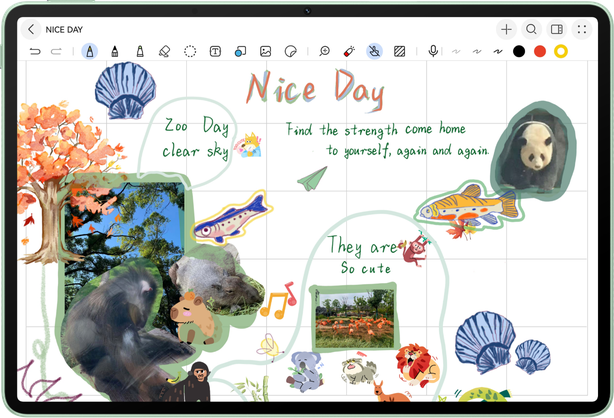
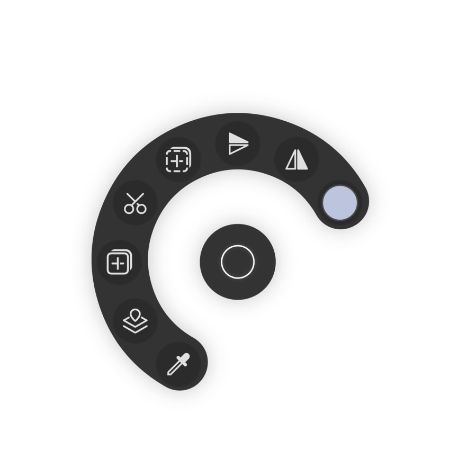
內建資源中心提供免費的高級筆刷、紙張類型和著色工具。輕捏 M-Pencil Pro 即可顯示環形選單,同時亦可管理你的工具及客製化工作區域,從而更切合你的需⁠求。

HUAWEI MatePad 11.5 S 2026 screen image, demonstrating drawing with GoPaint

*手寫筆或需要另行購⁠買。

Think It, Ink It

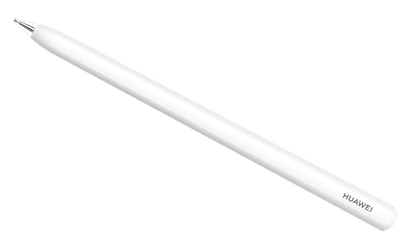
HUAWEI M-Pencil Pro11 配備三種多功能筆尖,以無與倫比的精準度提升你的創意和寫繪體驗。另外,只需將其吸附在平板電腦邊緣即可充⁠電。

了解更多關於 HUAWEI M-Pencil Pro

提高工作效率
的捷⁠徑

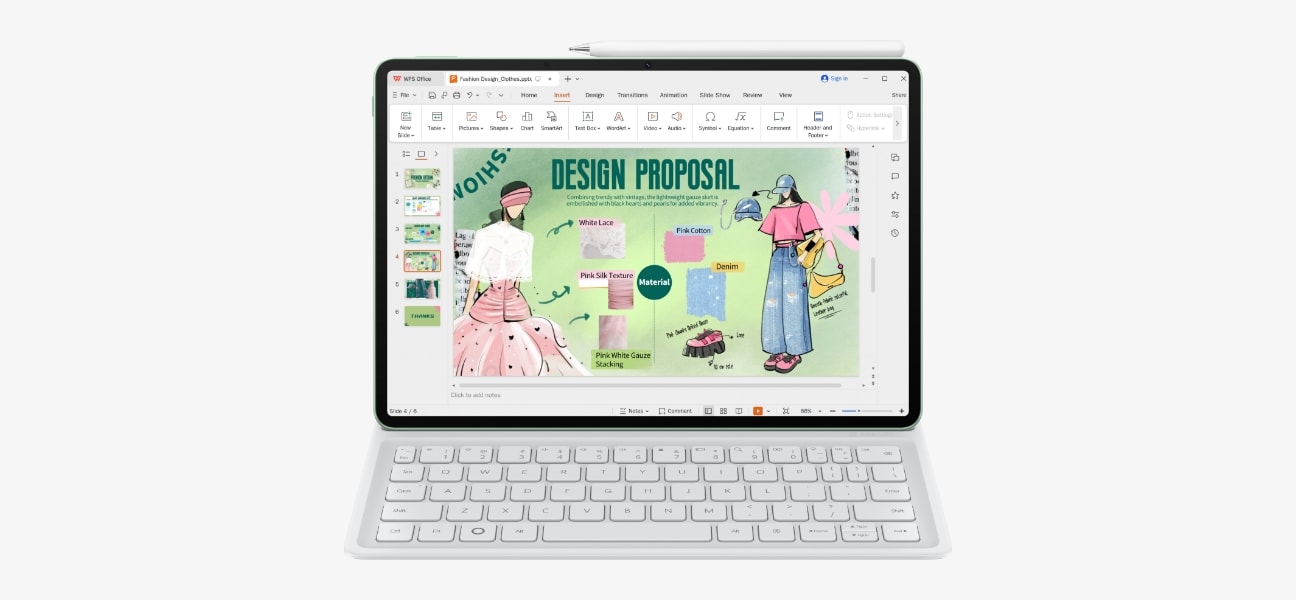
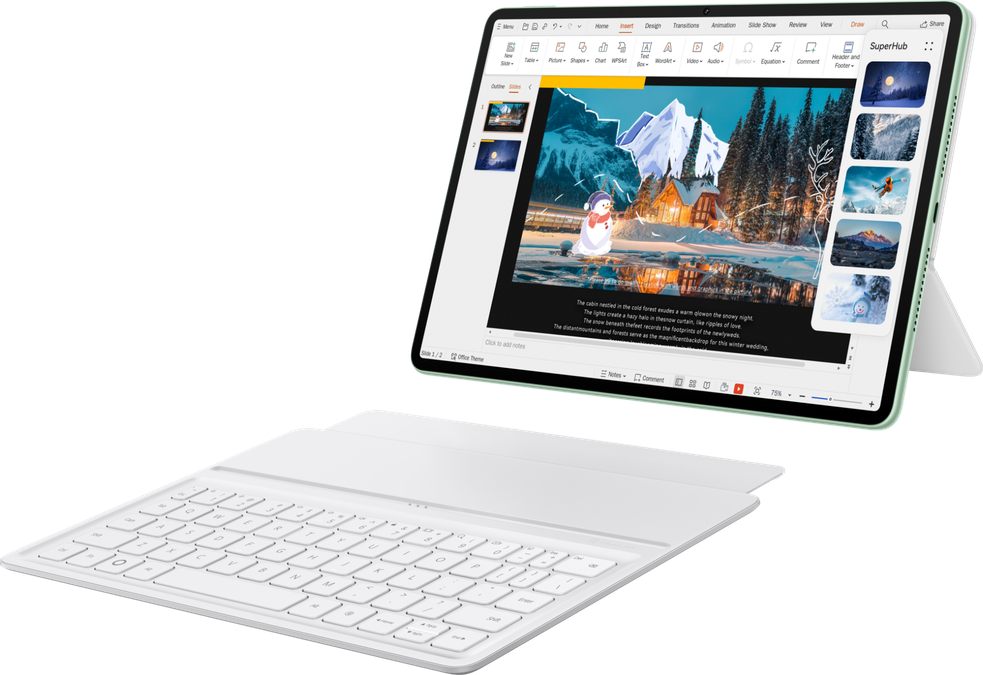
HUAWEI MatePad 11.5 S 2026 with WPS Office interface, demonstrating the tablet's capability for convenient presentation creation
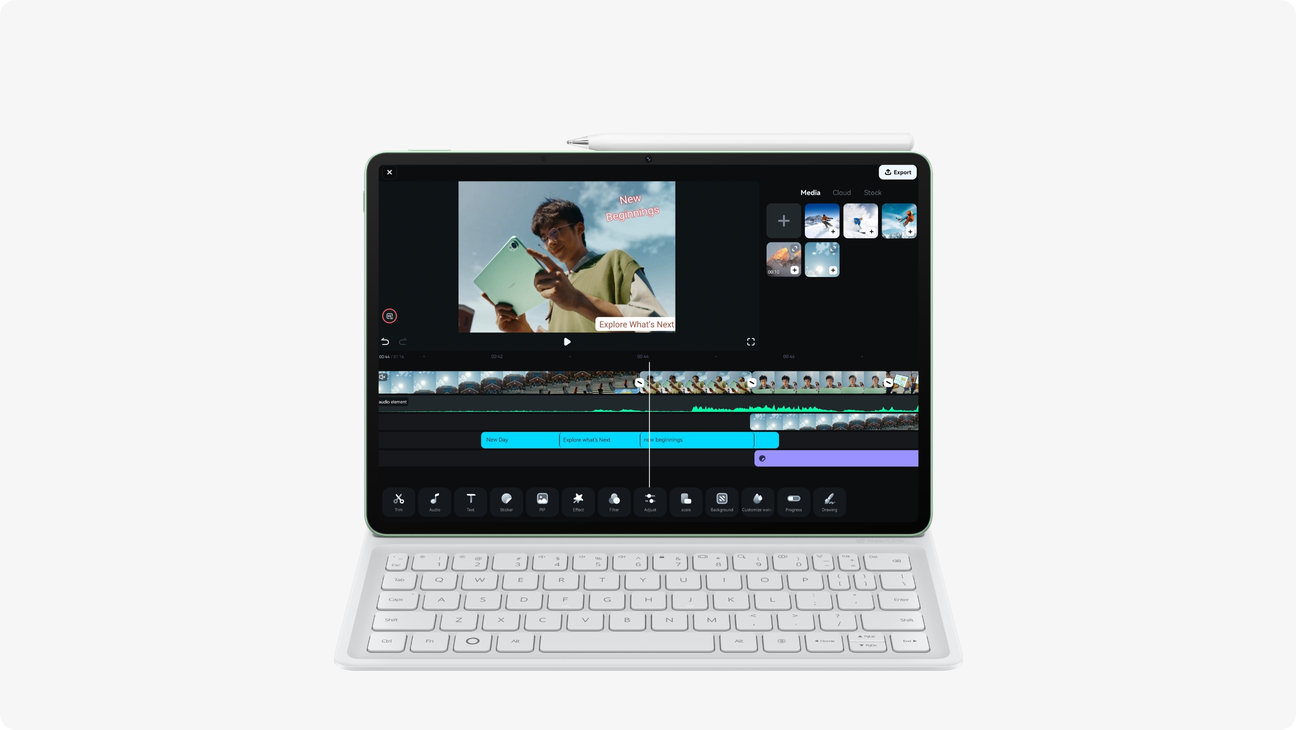
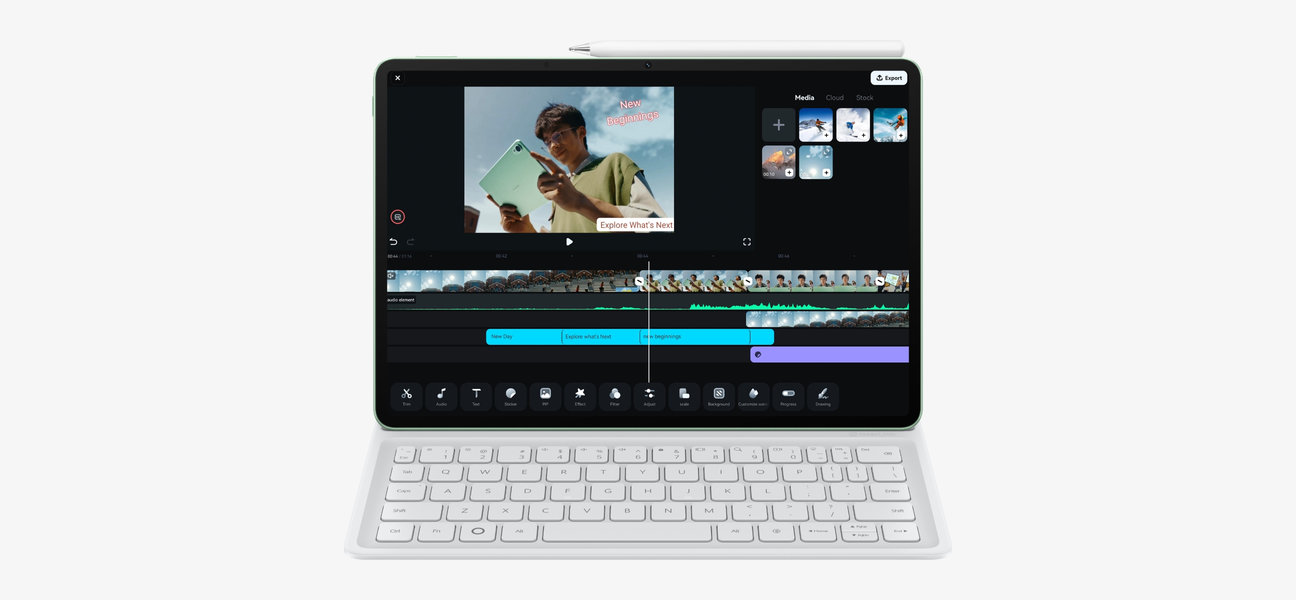
The HUAWEI MatePad 11.5 S 2026 with  Filmora interface, demonstrating one-touch drawing with the tablet and stylus

WPS Office

Wondershare Filmora

透過可輕鬆拆卸的鍵盤,您可以在平板電腦上快速解鎖媲美 PC 級般的生產⁠力。

逐幀錄製筆觸和動畫,生動特效的動畫工具12讓你創意成真。只需輕點兩下即可獲取快捷工⁠具。

了解更多關於 HUAWEI 智能磁吸鍵盤

一拖一拉
即完成

將文字、影片、照片等內容儲存到 SuperHub13,然後隨時隨地拖放所需內容,共用至連接的設備,幫助你更輕鬆地批量辦⁠公!

HUAWEI MatePad 11.5 S 2026 superhub demo, showcasing cross-device workflows

懸浮多視窗,
操作更自由

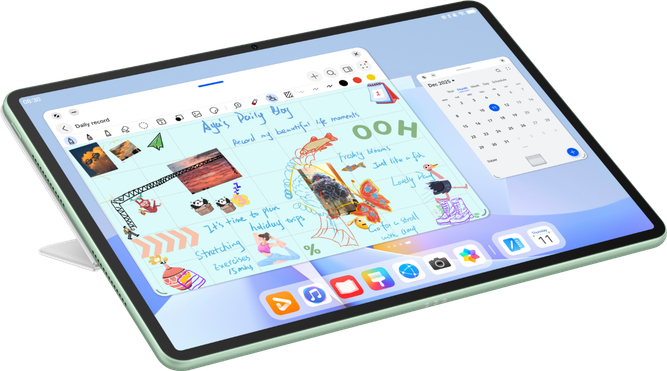
同時獨立運行多個應用視窗,根據你的喜好調整視窗大小及堆疊,亦可以在 App Multiplier 中使用懸浮視窗14,瞬間存取檔案,輕鬆實現多工處⁠理。

HUAWEI MatePad 11.5 S 2026 Multi-Window demo, showcasing the convenience of the all-new flexible multi-window feature

迅捷流暢
全力迸發

可靠的效能

搭載 12 GB RAM,運行更流暢。8800⁠ mAh 電池⁠15帶來更長續航時間,40⁠ W 閃電快充讓您瞬間回復電⁠量。

HUAWEI MatePad 11.5 S 2026 side view, showcasing its powerful performance and long battery life

極速傳輸,
流暢在線

獨立天線搭配 5 dB Wi-Fi SNR boost 帶來強勁訊號,盡享流暢的瀏覽下載速度和高度的網路穩定⁠性。

HUAWEI MatePad 11.5 S 2026 rear view, showcasing its NearLink antenna

沉浸式
視聽體驗

創新多驅動陣列揚聲器,大振幅低音下潛更深,鏗鏘聲浪源源不斷。Histen 9.0 可根據設定,智能切換最佳音效,帶來真正身臨其境的音訊體⁠驗。

HUAWEI MatePad 11.5 S 2026 angled view, highlighting its audio quality
  1. 僅 HUAWEI MatePad 11.5 S PaperMatte 版本配備了 PaperMatte 柔光屏,而 HUAWEI MatePad 11.5 S 則配備 LCD 屏幕。PaperMatte 柔光屏幕是華為對平板屏幕設計的定義,屏幕形成漫反射,減輕燈光、陽光等光照的影響,讓屏幕觀感更舒適;不同使用條件、環境下體驗可能略有差異,請以實際為⁠準。
  2. 此功能僅支援指定華為平板機型。要使用此功能,請確保平板已連接到網際網路,且 HUAWEI Notes 應用程式更新至 12.4.3.420 或更高版本。請以實際體驗為⁠準。
  3. 鍵盤不是標準配置,或需要單獨購買。
  4. GoPaint 功能可能因硬件規格而有所不同。詳細資訊請參考官方信息發佈。請以實際體驗為⁠準。
  5. 數據來自華為實驗室。實際重量和厚度可能因產品規格、製造工藝和測量方法而⁠異。
  6. 數據來自華為實驗室,僅供參考。此數據是基於與 HUAWEI MatePad 11.5 S PaperMatte 版本的比較。閃點現像是由於玻璃表面微結構對光的無序折射和散射所造成的正常物理現象,並不代表產品設計缺⁠陷。
  7. 本產品不是醫療設備,不應用於治療目⁠的。
  8. 僅 PaperMatte 版本具備此技術。數據來自華為實驗室,在模擬無干擾的室外環境下可降低 99% 的光干擾。實際減少光干擾的比例會因環境而⁠異。
  9. 支援高達144⁠ Hz 自適應刷新率。實際範圍可能因配置的刷新率而⁠異。
  10. 2.8K 解像度為 2800 × 1840。
  11. 手寫筆或需要單獨購⁠買。
  12. 登入 Filmora 並在訂閱頁面完成折扣購買,即可享有一個月的 Filmora Premium 免費權益;資源由合作夥伴提供,並可能因合作關係、授權、業務或技術條件的變化而變更。恕不另行通知。實際使用情況以實際情況為⁠準。
  13. 此功能僅支援運行 PC Manager 13.0.3 或更高版本系統的特定華為電腦,以及運行 HarmonyOS 3 或更高版本系統的特定華為手機和平板電腦。裝置必須登入同一個華為帳號,且藍牙和 Wi-Fi 功能已開啟。此功能僅適配部分應用程式、文字和圖像,實際體驗以實際情況為⁠準。
  14. 此功能僅在部分應用程式中支援。實際應用情況可能有所不⁠同。
  15. 電池容量為典型值。
即將離開 consumer.huawei.com
你即將跳轉至第三方網站, 華為對第三方網站概不負責及無法控制。
繼續 取消