Get help
Please choose the product that you are having problems with and we will then recommend the best possible solution.
Go now

Popular results
Suggested results
You're not logged in.
Your cart is empty.
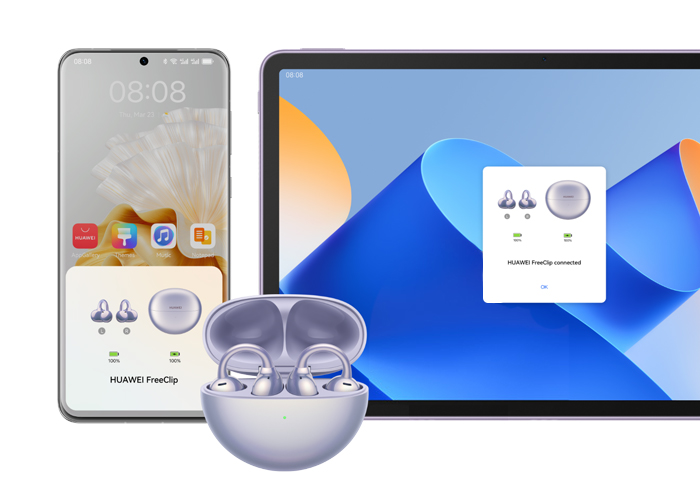
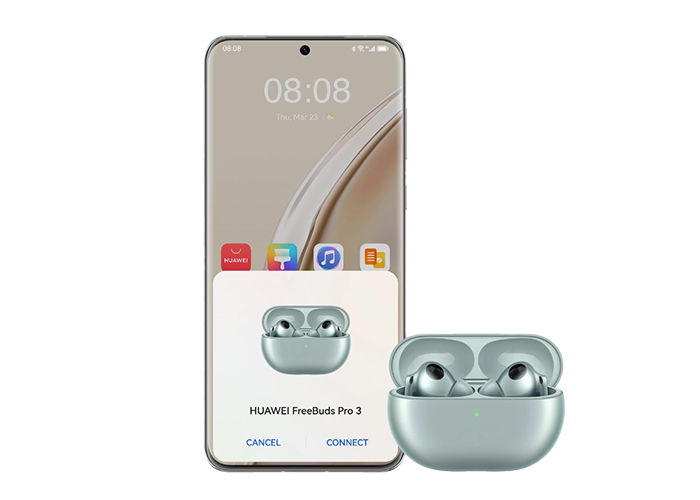
Learn how to connect the HUAWEI FreeBuds/FreeClip to your phone, tablet, PC, and other devices.
The HUAWEI FreeBuds/FreeClip can be used to listen to music, make calls, and more.
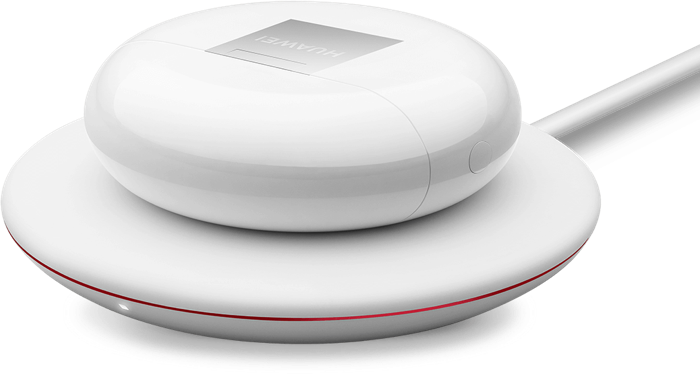
Learn the proper way to charge earphones and the charging case.
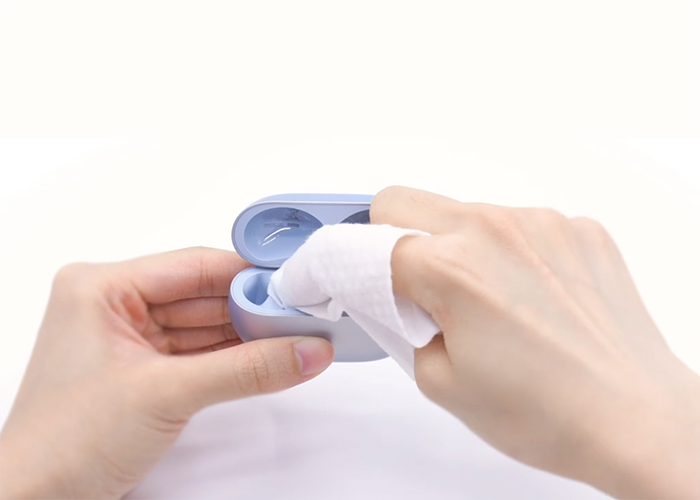
Learn the proper way to clean the charging case, mesh, and ear tips.
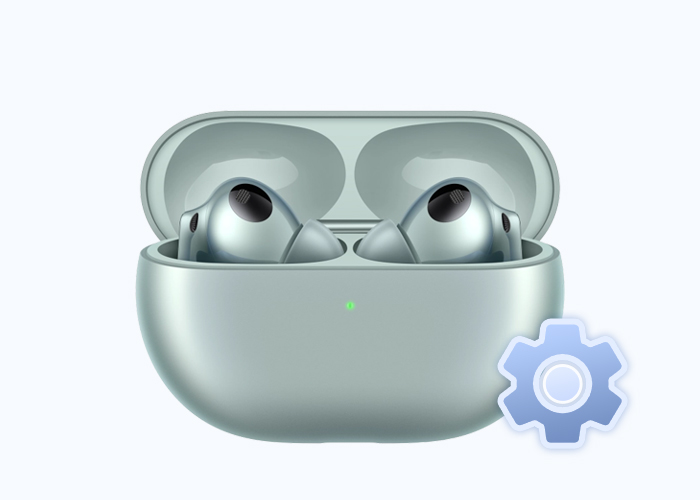
A factory reset will erase pairing information and restore default settings, putting the earphones back into pairing mode.
You can update the software via the AI Life app, your phone, or other methods.
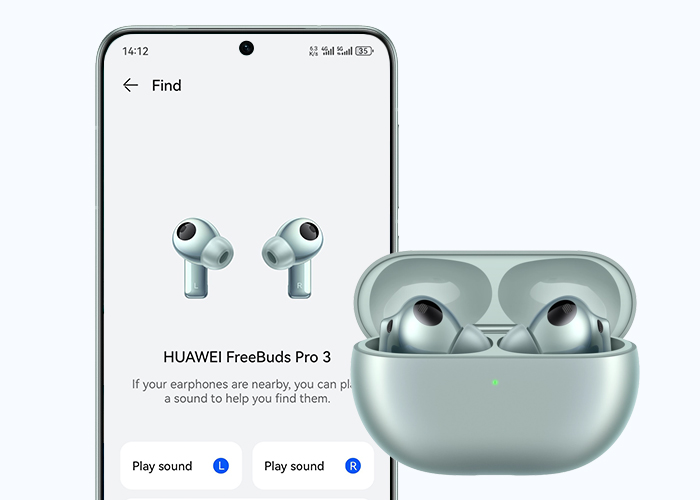
Enable the "Find My Earphones" feature before losing your earphones to locate it later.
Please choose the product that you are having problems with and we will then recommend the best possible solution.
Go now