

From Work to Wonder: HUAWEI MatePad 12 X Keeps Up With Every Side of Me

Copy Link


Written by Melissa Mae Lyn
From Work to Wonder: HUAWEI MatePad 12 X Keeps Up With Every Side of Me
9 min readPublished on 01/12/2025 · 17:00
9 min read
Published on 01/12/2025 · 17:00
Update on
Copy Link

If you had asked me a week ago whether I could do everything on a new device that would replace my laptop and notepads, my answer would be predictably negative. But now, I’m pretty sure that the HUAWEI MatePad 12 X has changed my perspectives. Truthfully, I didn’t quite expect this outcome. I’ve truly enjoyed using the MatePad and this “new” way of working - quite a lot more than I’d care to admit. As I write this article from my HUAWEI MatePad 12 X, I realise how much I have gotten used to this sleek new companion of mine.

About the Author

In this article
01. Sleek Design, Effortless Presence
02. The Professional’s Powerhouse
03. Capture Meetings and Workflows Effortlessly
04. From Work to Play
05. The Future-Ready Way to Work
My name is Melissa Mae Lyn and I’m a lawyer with a core focus on branding law. I’m also a mum and I
design logos out of passion. I was born in Kuala Lumpur and legally trained in Melbourne, where I
was admitted to practice as a lawyer in the Supreme Court of Victoria. After gaining some work
experience, I returned to KL and further got called to the Malaysian Bar at the High Court of
Malaya.
My early days of legal practice was spent in the field of corporate and commercial law, which later
pivoted to intellectual property law. This invaluable experience taught me important skills like
strategic problem-solving, meticulous attention to detail and the ability to adapt to a fast-paced
environment - all of which are practical applications that go beyond pure legal knowledge.
As a lawyer, writing notes and scribbling annotations when working on a case is very much part and
parcel of my job. Usually, I’d reach for a pencil or a pen. This results in a pile of paper and
handwriting sometimes that is barely legible. I’d never have imagined, now that I’ve spent time with
this tablet, that it would make life simpler, more organized and actually more efficient. In fact,
my notes can now be directly edited and turned into a working draft. This seamless transition is
what strikes me most as the HUAWEI
MatePad 12 X’s killer feature - convincing me that my usual way
of working can actually be made easier and more enjoyable with technology.
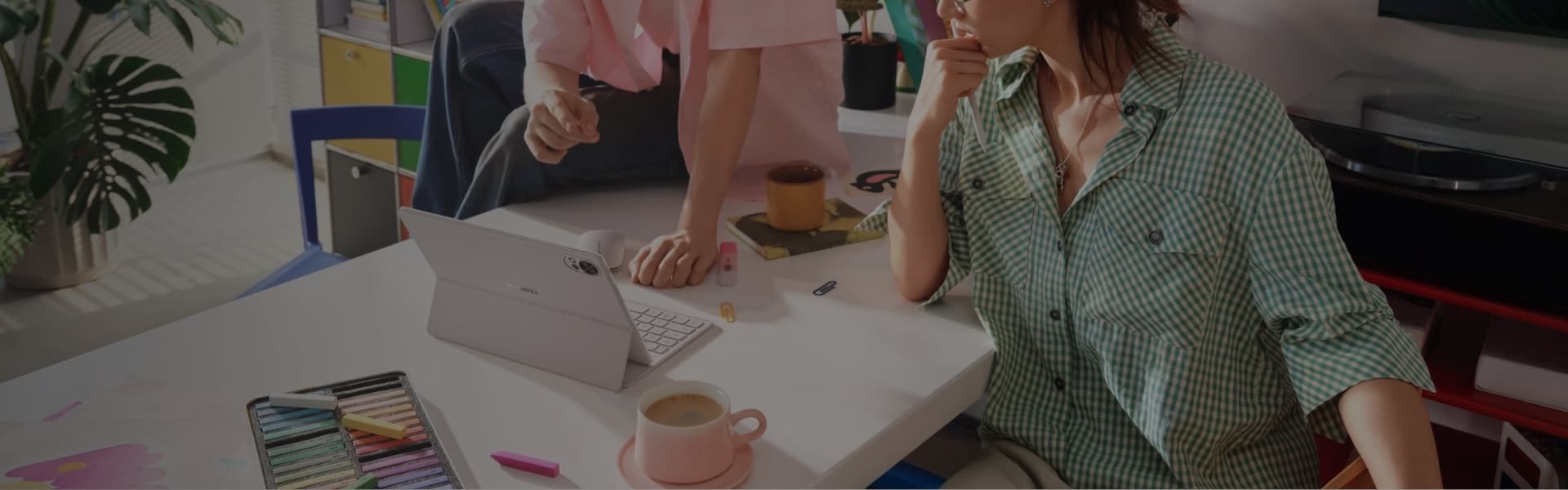
“As I have come to learn through real life experiences with this tablet, it has transformed a café corner into a law office and a simple commute into a serious boardroom.”
Sleek Design, Effortless Presence
My first impression of the HUAWEI MatePad 12 X was how stylish yet portable it is. Slim, polished, and almost impossibly light, this tablet slips into my bag as easily as it rests on a marble countertop. It’s an accessory as much as it is a device. Subtle yet quietly luxurious, it’s the kind of object that elevates the space around it.
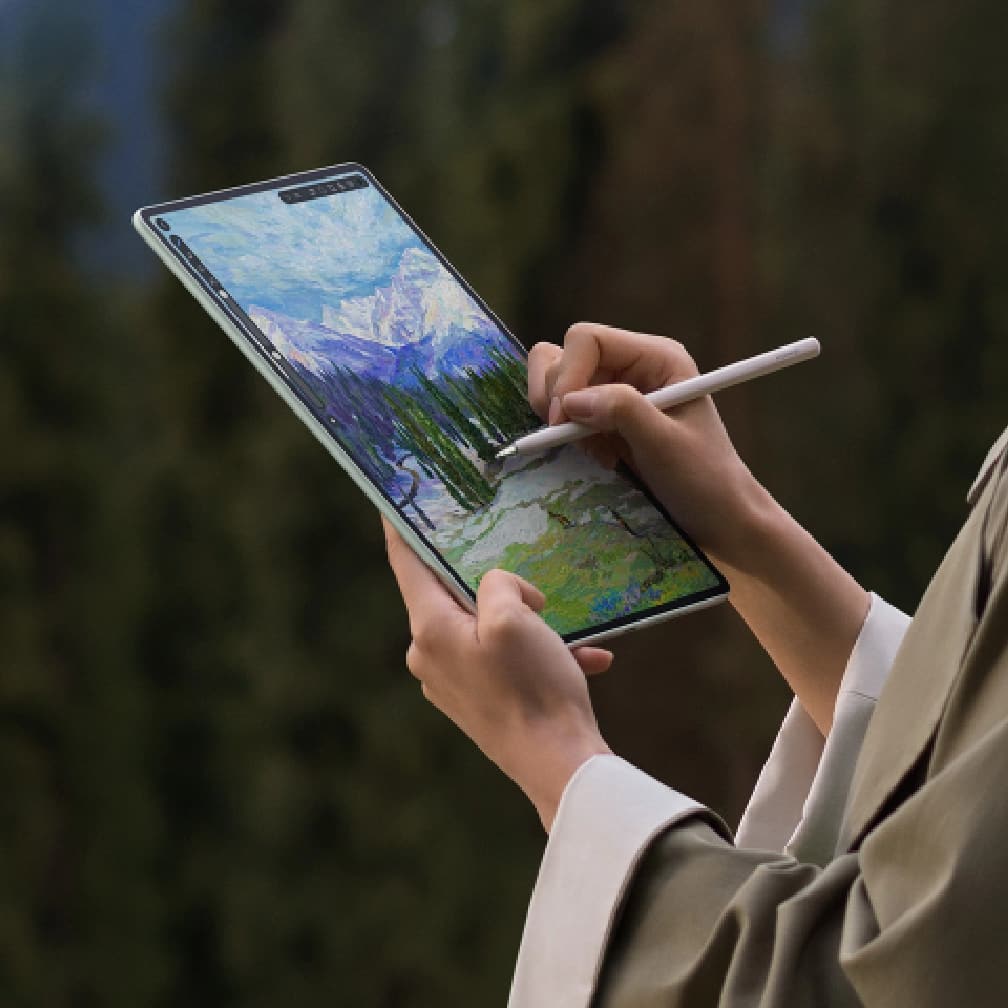
For the dreamer and maker in me, the HUAWEI MatePad 12 X is more than a utility; it’s an inviting experience. Its responsive screen becomes a sketchpad for digital art, a storyboard for new ventures, and a blank page for every pitch yet to come. Projects that once required a desktop now happen in the quiet spaces between my life’s precious moments.
The Professional’s Powerhouse
As someone who lives in perpetual motion, productivity cannot pause. I had not known that I was in fact, “living my life prismatic” until I was recently interviewed for the cover story of a magazine and those were the few words that they had chosen to sum up my life, suggesting that this might be the only way a lawyer and a mother like me could juggle a career alongside a life of many roles, each one projecting in multitude towards others. And they may be right.


PC-level WPS Office 3.0
12-inch Ultra-Clear PaperMatte Display
HUAWEI M-Pencil Pro
HUAWEI Notes
Just as how the roles of a professional, parent and creative have inevitably become part of my
identity, so has the HUAWEI MatePad 12 X quietly slipped into my daily life as the perfect bridge
between these worlds, allowing me to live seamlessly through it all. The HUAWEI MatePad 12 X isn’t
just another piece of hardware; it’s a lifestyle companion.
With seamless Live-Multitask, a fluid HUAWEI M-Pencil Pro, and compatibility across all essential
apps, the HUAWEI
MatePad 12 X is the perfect partner to take me through even the busiest workdays.
Beyond its already impressive features, the Pro-level WPS Office 3.0 stands out as a true
productivity enhancer. It brings PC-level power to the tablet experience, complete with a familiar
toolbar, status bar, and multi-tab layout that mirrors the look and feel of a desktop workspace.

The new PC-level functions make real work on the go effortless — from inserting linked documents or
attachments, to copying and pasting editable charts, or using advanced mathematical tools for
detailed data analysis. Everything runs smoothly and precisely, just as it would on a laptop. What
makes it even more practical is its 100% compatibility with Microsoft Office formats, supporting
Docs, Sheets, Slides, PDFs, and more than 40 other file types. Every document opens exactly as
intended, with perfect formatting and no conversion issues. And with cloud sync across smartphones,
I can start a task on my HUAWEI MatePad 12 X and pick it up later on another device. It’s one of
those time-saving upgrades that quietly transforms the way I work, keeping everything organized,
connected, and within easy reach.
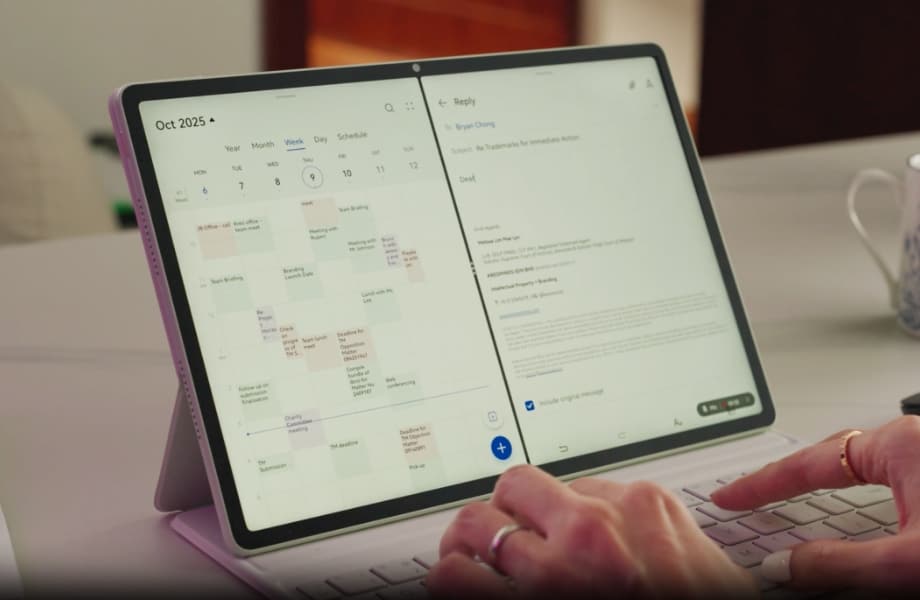
What’s more, using Live-Multitask is effortless yet incredibly effective. With just a simple swipe
inward from the screen edge, the Multi-Window dock appears, letting me drag and drop up to three
apps onto the display at once. I can review a client brief, take notes, and reply to emails
simultaneously.


In addition, there’s the HUAWEI M-Pencil Pro, which takes precision and control to another level. Thanks to the High Precision Nanoscale Anti-glare Etching Technology, the screen subtly mimics the texture of real paper. Paired with the M-Pencil Pro’s small-font writing tip, it creates a natural, tactile resistance — the same satisfying feedback you’d feel when writing on paper. This balance of smoothness and friction makes annotating documents, sketching, or handwriting notes feel not only accurate but genuinely enjoyable.

Capture Meetings and Workflows Effortlessly
Just as I thought I had seen and felt enough, the screen recording function popped up to impress me even further. Imagine having a notepad that is also a voice recorder. The HUAWEI Notes’ Replay function provides comprehensive captures of meeting conversations - audio and handwritten content is synchronized in real time. Later, you can simply tap on any part of your notes to replay the exact moment of the discussion. It’s an incredibly smart and intuitive way to revisit ideas, clarify key points, and ensure that no important detail ever slips through the cracks. It is innovations like this that makes the HUAWEI MatePad 12 X not just a tool for note-taking, but a dynamic digital assistant — one that captures, remembers, and helps you relive every crucial insight with ease.
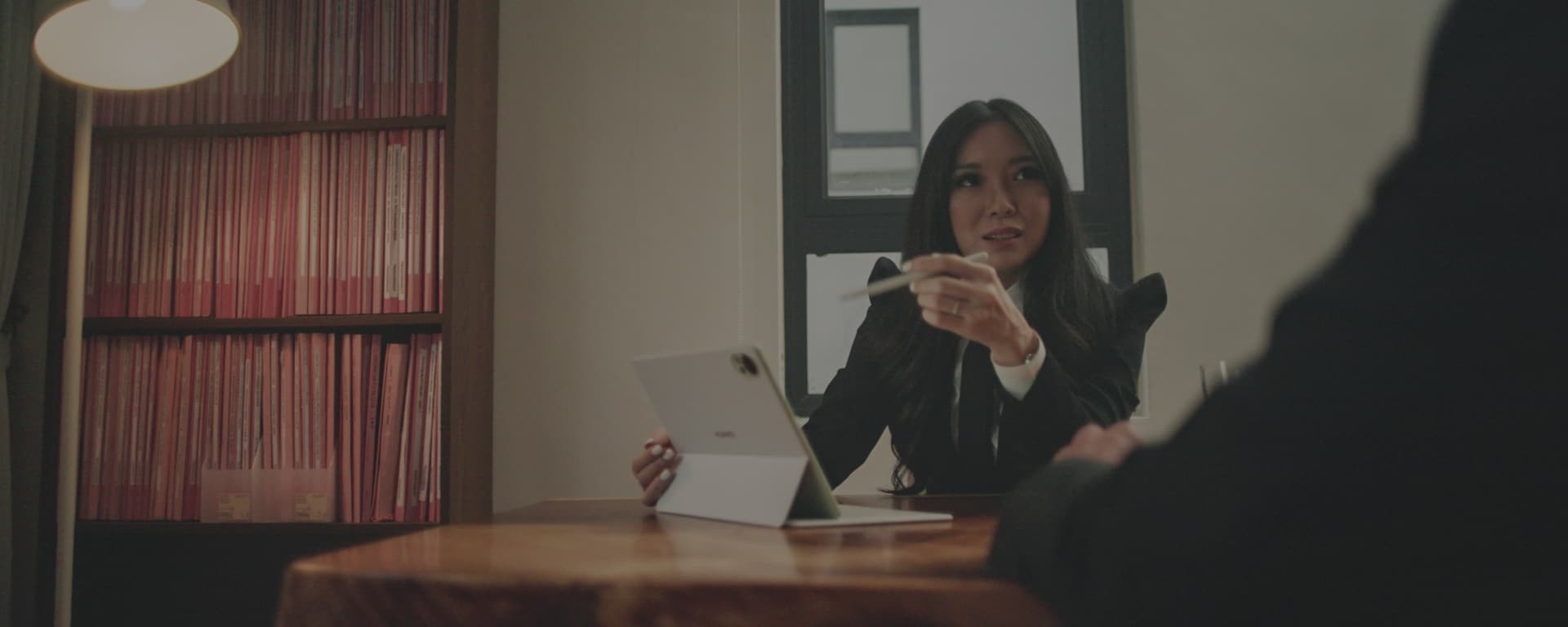
“In my multifaceted life, where the days could shift from boardroom briefings to bedtime stories, technology has become more than just a tool, it’s the genie that carries me through each role that I play and HUAWEI’s MatePad 12 X is clearly lighting the way.”
One real life practical application made use of this function well. I was trying to explain a certain workflow to a client who had many questions to ask along the way. The screen recorder with audio helped me explain this thought process while addressing every concern of the client. I start drawing a flowchart during the call while explaining each part step-by-step. By the end of the call, I had a perfectly captured a screen recording of the explanation along with our conversation that was ready to send out to the client. It was as if we were right next to each other during the discussion and both parties were happy. No homework and no extra clarifications needed.
From Work to Play
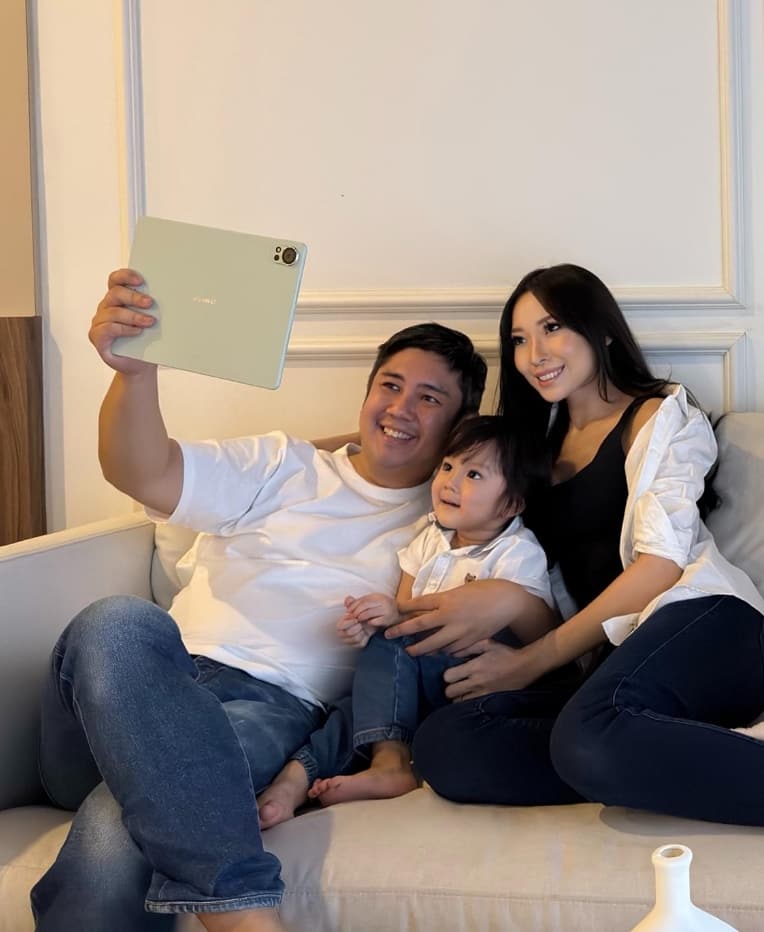
While I was primarily using the HUAWEI MatePad 12 X for work during the day, evenings, on the
other hand, were for a different kind of screen time. I launch a streaming app and start
watching a drama which, by the way, sounded great with the tablet’s built in surround sound
speakers; but as always is the case, barely 5 minutes in, my son walks in yelling “Mummy”! Drama
off and it’s now his turn to play with the HUAWEI MatePad 12 X. I swipe across the screen,
impatient toddler on my lap and luckily, I find a folder with apps and games for kids. Within
minutes, we are exploring the toddler-friendly games and the high-resolution display becomes a
stage for stories, adventures, and connection.
Needless to say, the versatility and long battery life of the tablet truly comes in handy. The
HUAWEI
MatePad 12 X easily powers through a full day of work, offering up to 14 hours of use on
a single charge. And when it’s time to recharge, the 66W SuperCharge feature brings it back to
around 50% in just half an hour, so I’m ready to keep going without missing a beat.
What also makes a real difference is the Ultra-clear PaperMatte Display. Its non-reflective
surface reduces glare and minimizes visual fatigue, even after long hours of use. It’s
noticeably more eye-friendly than a standard screen, offering a comfortable, paper-like viewing
experience — whether I’m reading documents, sketching notes, or sharing a bedtime story with my
son.
The Future-Ready Way to Work
With the HUAWEI
MatePad 12 X, I have truly discovered new ways to work. From the moment I wake it up
from sleep, the things that I was working on the day before comes on. Just as easily as it is
presented in front of me, I am able to swipe and multitask as I open my calendar to check my
schedules and appointments. Another swipe and I am able to activate the tablet’s split screen
feature. I can be looking at case notes and annotations, making corrections, all while I am
preparing for my next client meeting and case submissions.
And when I launch WPS Office 3.0, it feels like having a full desktop on my lap. The familiar
toolbar, status bar, and multi-tab layout make switching between documents effortless, while its
PC-level functions — like inserting attachments, copying editable charts, or running advanced
calculations — help me stay focused and efficient. Everything opens flawlessly, thanks to full
Microsoft Office compatibility, and with cloud sync across devices, my files are always accessible,
whether I’m on my MatePad, smartphone, or laptop.
The fact that I am able to do all this from a tablet shows how far technological advancement has
progressed. However, what truly surprises me is how seamless and natural it has become, doing what I
normally would do on my laptop, having just spent a few days with the HUAWEI MatePad 12 X.

Looking back, I’m surprised by how naturally the HUAWEI MatePad 12 X has slipped into my everyday
life. What started as me simply trying out a new device has turned into something I now rely on
without even realizing it. It keeps up with everything — from drafting legal notes and sketching
ideas to managing my day and winding down with my son in the evening. It’s light, powerful, and
always ready when I need it. More than just a tablet, it’s become the tool that quietly makes my
days smoother and my work — and life — a little easier to balance.
In the end, the HUAWEI
MatePad 12 X stands out not just for its performance, but for how seamlessly
it fits into every part of my day. Whether for work, creativity, or personal time, it delivers the
perfect balance of power and portability — a truly practical companion that makes life more
organized, efficient, and enjoyable.
Disclaimer
This article is a sponsored collaboration with Melissa Mae Lyn. The views expressed are the author's
personal but honest opinions and do not represent official product claims. Actual performance may
vary based on individual usage and conditions.

Copied