HUAWEI Vision


Get Started with HUAWEI Vision
Program Your Remote
Learn how to pair the remote to your Vision for the first time, or to re-pair when you are switching to a new one. Set it up properly to enjoy full functionalities of your Vision.

Mirror Phone to Vision
One simple touch of phone and remote to project your phone screen to Vision. Save your eyes from the small screen and enjoy videos on big screen in high quality and real-time speed.

Manage Via Phone
Need a quick fix for your lost remote? With HUAWEI Vision app, you can use your phone to adjust volume, pause, fast forward and rewind the video, and turn on/off the Vision.
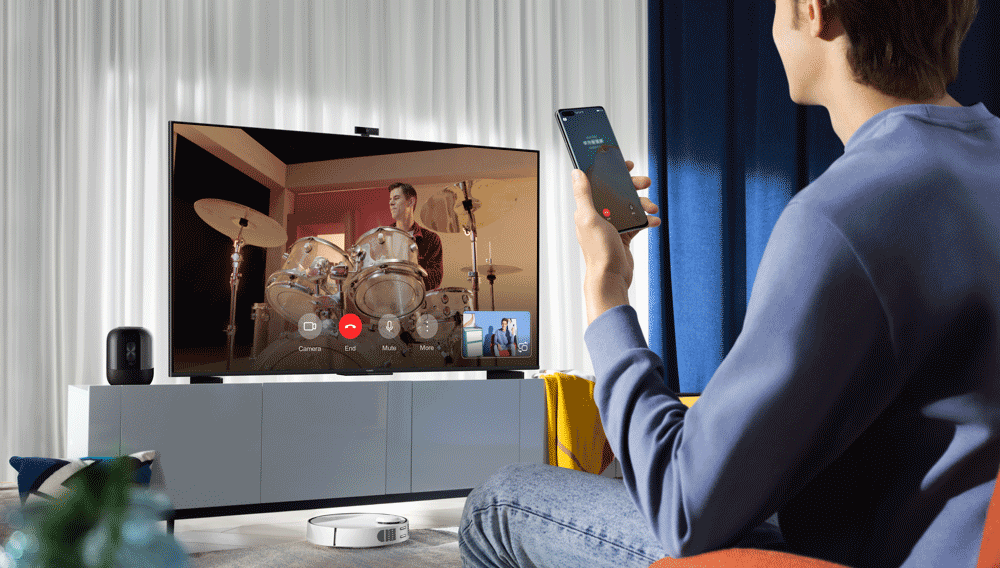
Call A Vision
Connect with family or friends anytime anywhere with MeeTime. Make HD video calls from phone to Vision and gather together virtually to share your moments.