
Huawei Global | Smartphones,Laptops,Tablets,Watches and Smart Home

HUAWEI MatePad 11.5 S 2026
Refresh Your Vision

Ultra-clear PaperMatte Display1 | HUAWEI Notes | Detachable Keyboard

Ultra-clear PaperMatte Display1

Comfortable on the eyes.

HUAWEI Notes2

Write smarter, get more done.

M-Pencil Pro & Detachable Keyboard3

The perfect pair for seamless work.

Professional Apps

PC-level productivity on a tablet.

GoPaint4

Studio-level brush selection.

Sleek Design

Vibrant colours, streamlined body.

Fresh and Featherlight

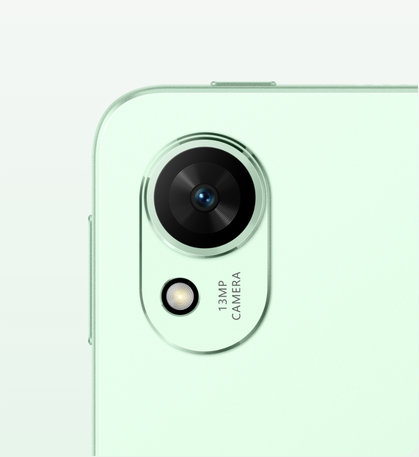
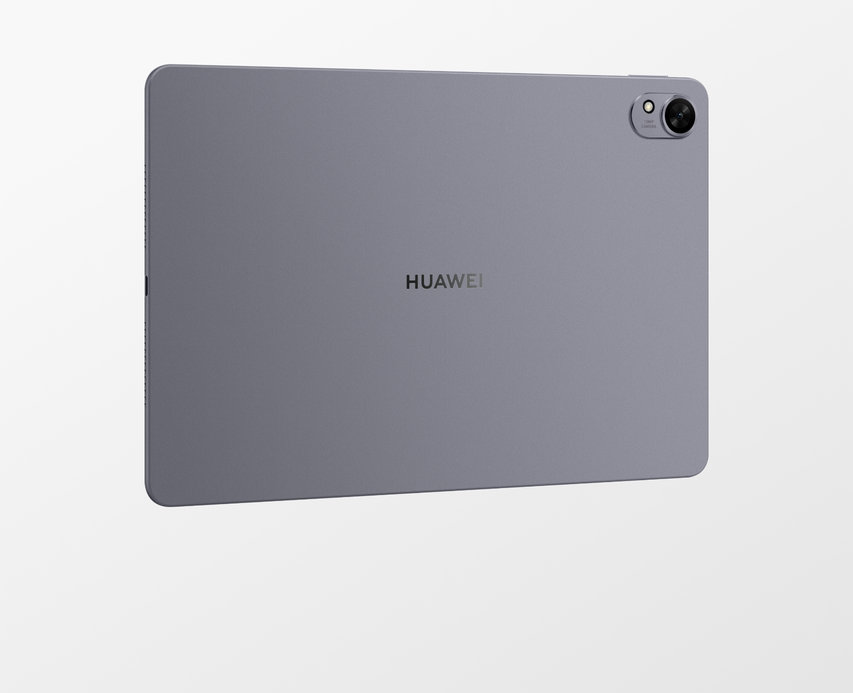
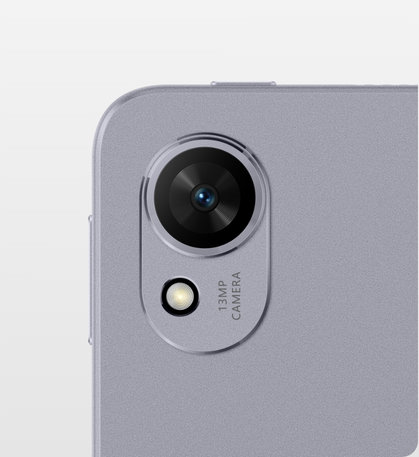
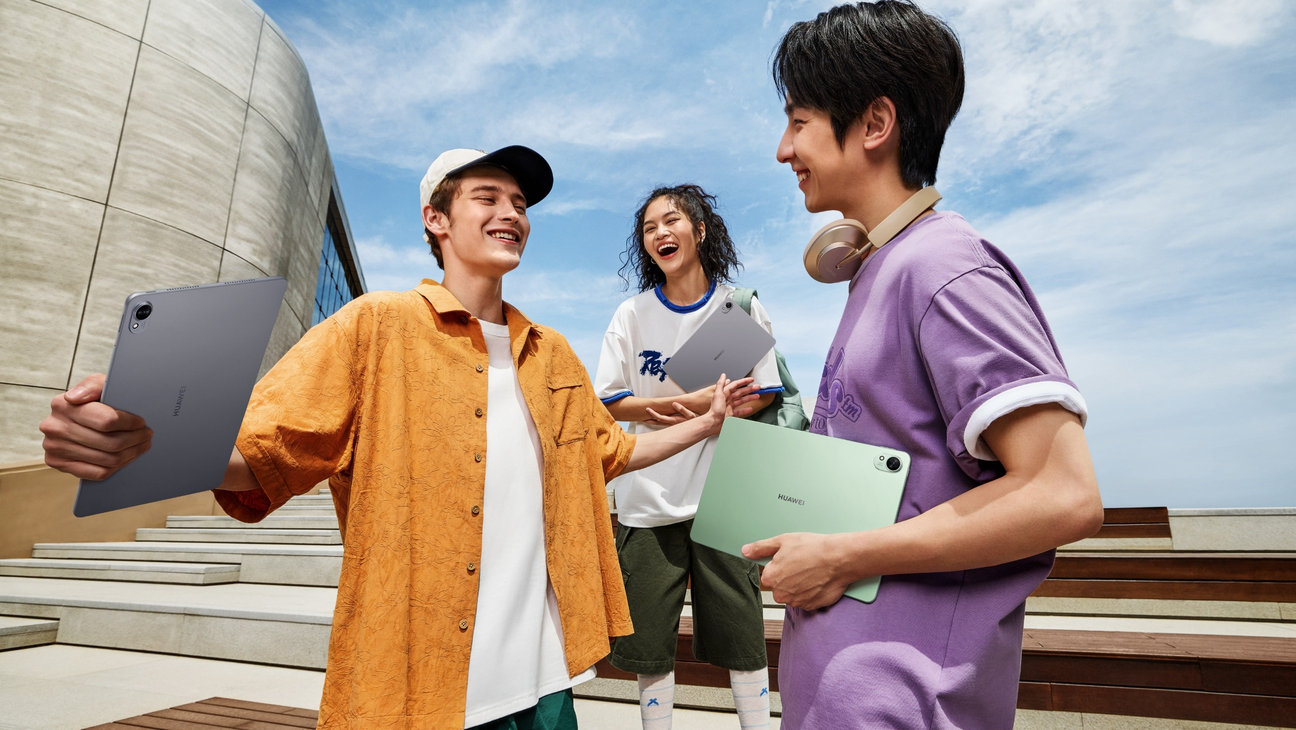
Elevate your everyday with a premium all-metal design in Green and Space Gray. Featherlight yet strong, it blends enduring style with effortless portability—perfect for life on the go.

Light5

515 g

Thin5

6.1 mm
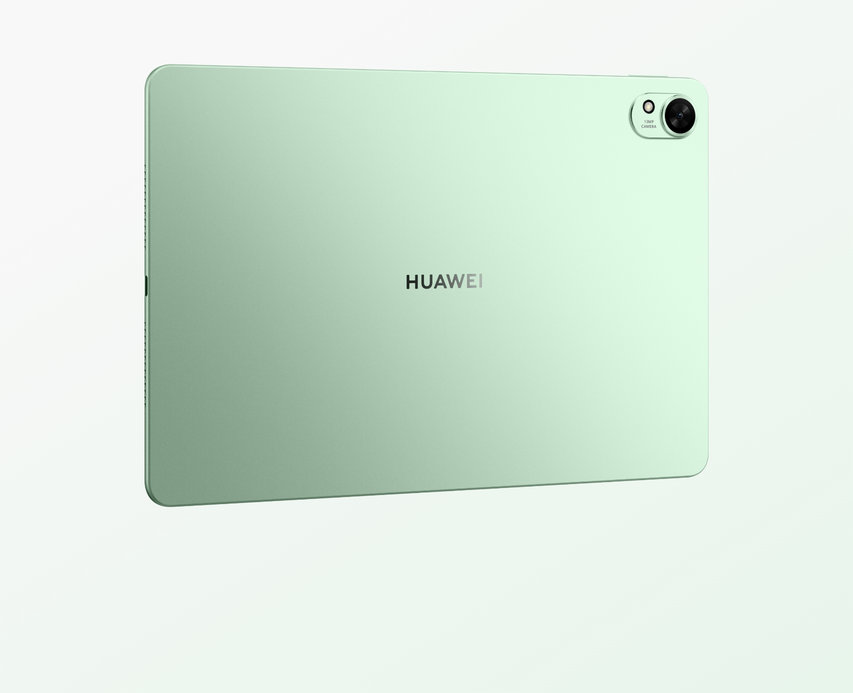
Image of the green HUAWEI MatePad 11.5 S 2026 from the back
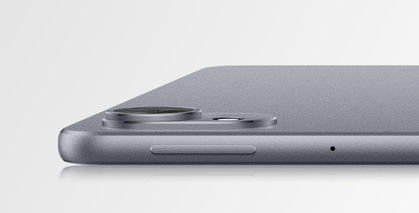
HUAWEI MatePad 11.5 S 2026 side view, showing the frame
HUAWEI MatePad 11.5 S 2026 back view, showing the camera
Image of the gray HUAWEI MatePad 11.5 S 2026 from the back
HUAWEI MatePad 11.5 S 2026 side view, showing the frame
HUAWEI MatePad 11.5 S 2026 back view, showing the camera

Green

Space Gray

PaperMatte
Comfort That Lasts

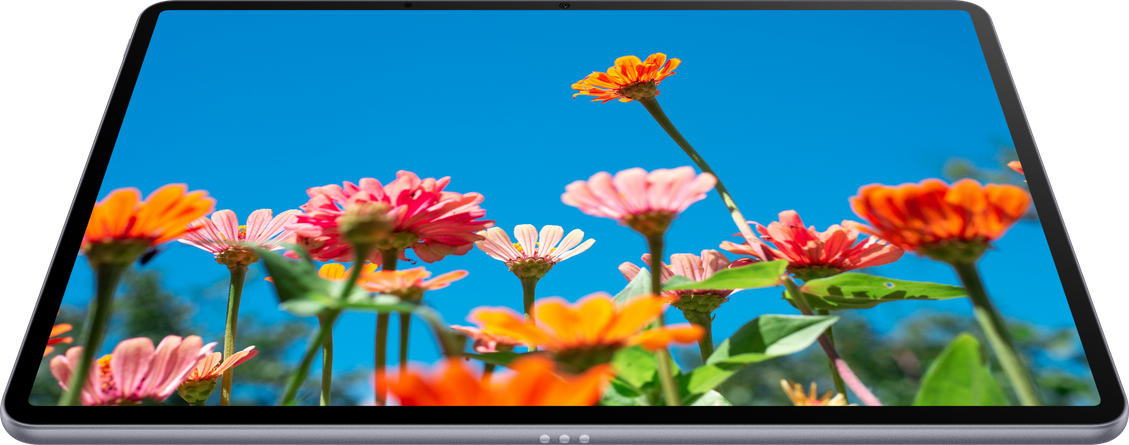
The Ultra-clear PaperMatte Display1 is crafted for comfort and clarity. Featuring High-precision Nano-level Etching Process that reduces surface sparkle by 50%,6 it delivers a stunning, anti-glare viewing experience.7

With 99% of light interference eliminated,8 this screen is ideal for outdoor usage.

Eye comfort mode7
Filters out blue light

ebook mode
Colour | Black & white

TÜV Rheinland Low Blue Light
(Hardware Solution) Certification
TÜV Rheinland Flicker-Free Certification

SGS Low Visual Fatigue 2.1
Premium Performance Certification

*The SGS certification is exclusive to the PaperMatte Edition.

Like Paper,
but Better

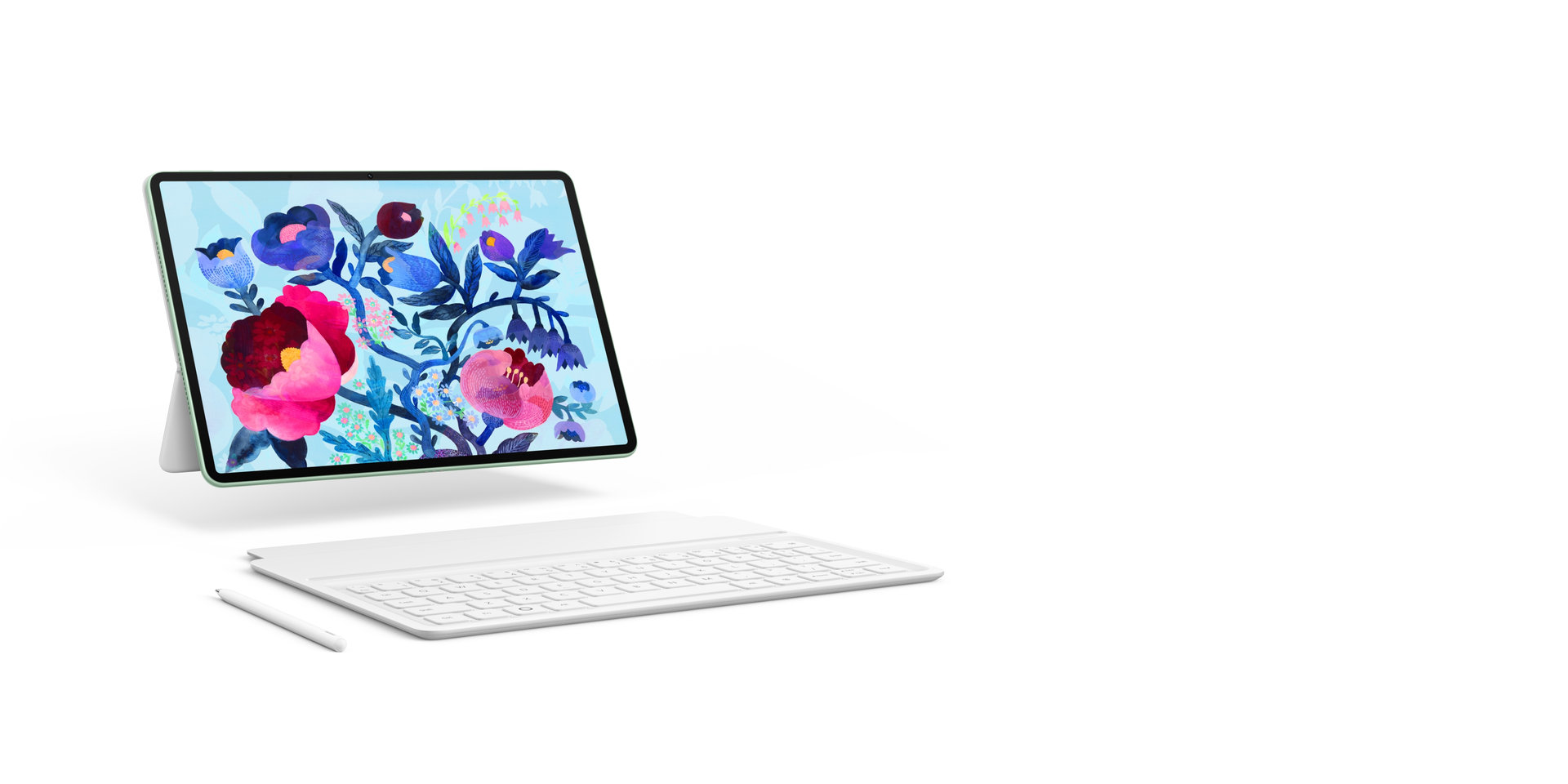
Write and draw on a screen that looks and feels just like paper—feel the rustle and let it rip!

The user enjoys writing on HUAWEI MatePad 11.5 S 2026, which delivers paper-like writing experience

*Stylus may need to be separately purchased.

Details
On Display

Feast your eyes on a stunning 144 Hz HUAWEI FullView Display,9 with 2.8K resolution details10 that dazzle and a true-to-life P3 colour gamut.

HUAWEI MatePad 11.5 S 2026 display image, showcasing screen features such as full-screen design and high refresh rate

2.8K

Resolution

30 Hz - 144 Hz

Adaptive refresh rate

P3

Wide colour gamut

HUAWEI Notes

Capture Inspiration
in a Flash

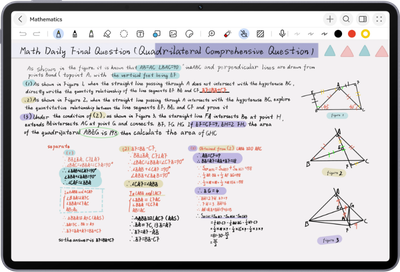
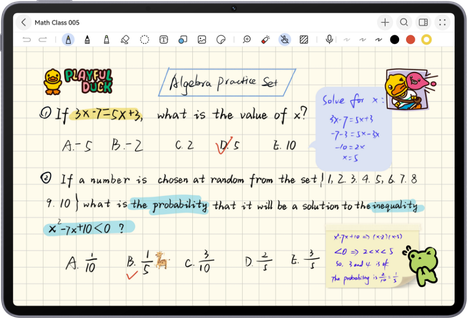
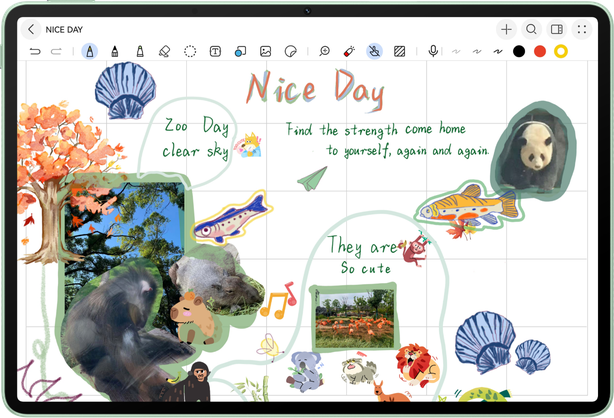
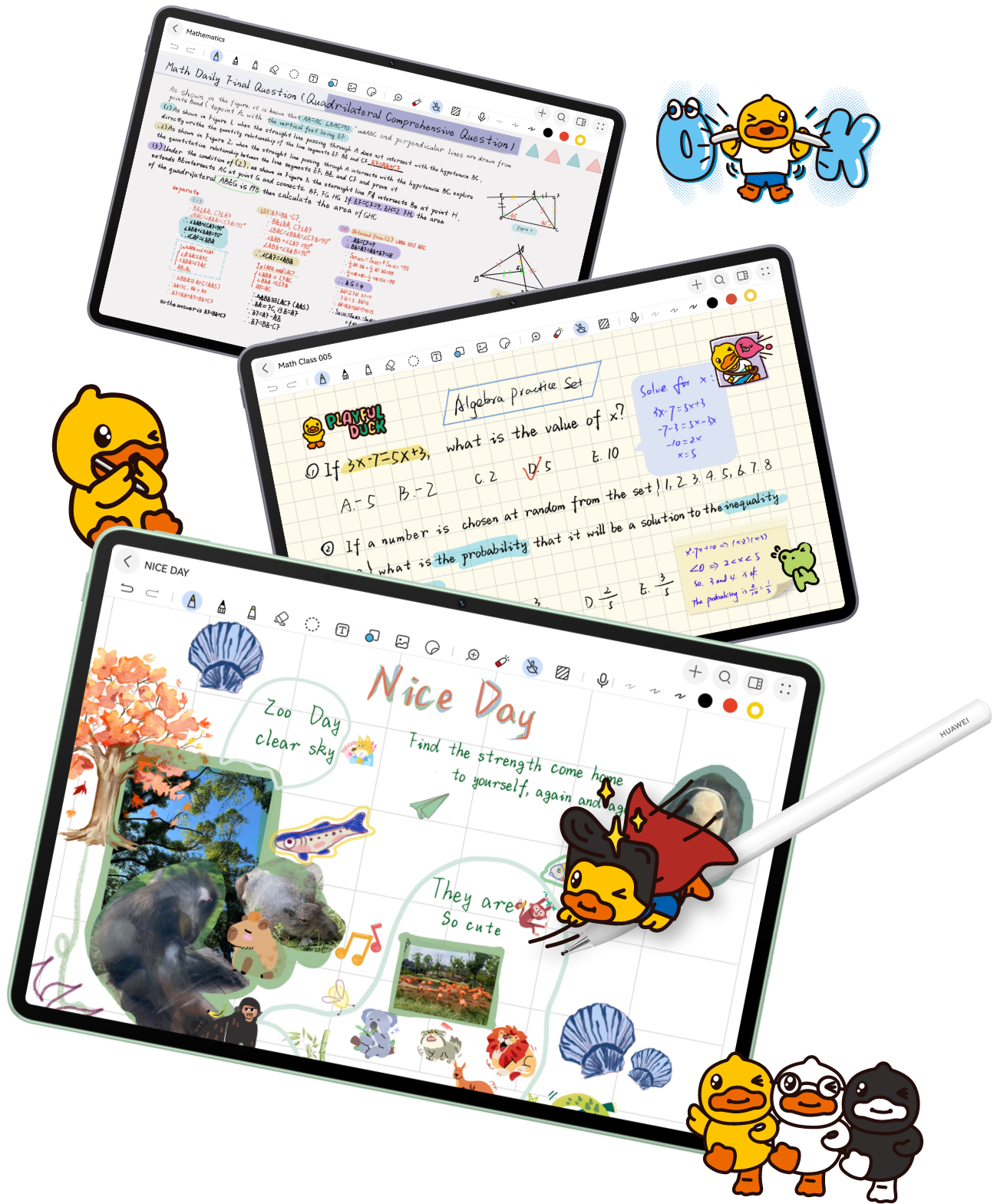
Get more done, with HUAWEI Notes, which can even recognise and solve equations for you. There's also Resource Centre, which offers a treasure trove of covers, stickers, and paper to personalise each project.

HUAWEI MatePad 11.5 S 2026 screen image, demonstrating note-taking with HUAWEI Notes HUAWEI MatePad 11.5 S 2026 screen image, demonstrating note-taking with HUAWEI Notes

AI equation recognition2

AI handwriting enhancement

Resource centre

Note replay

GoPaint

GoPaint,
Go Create4

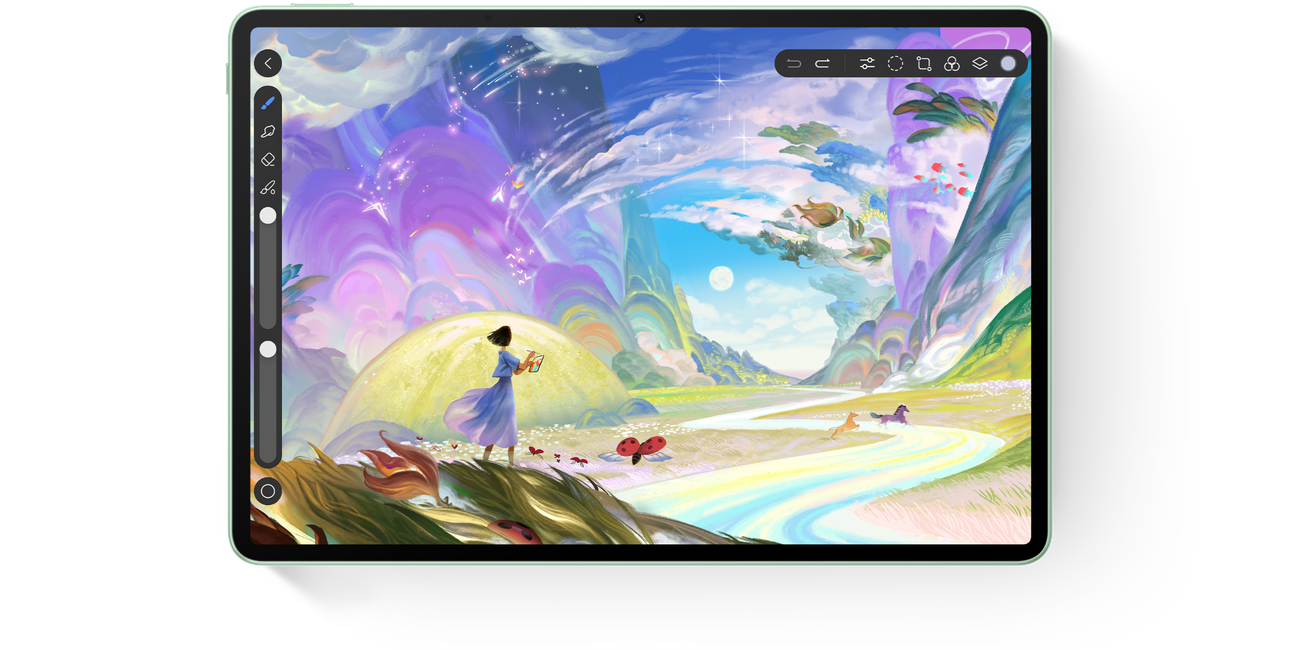
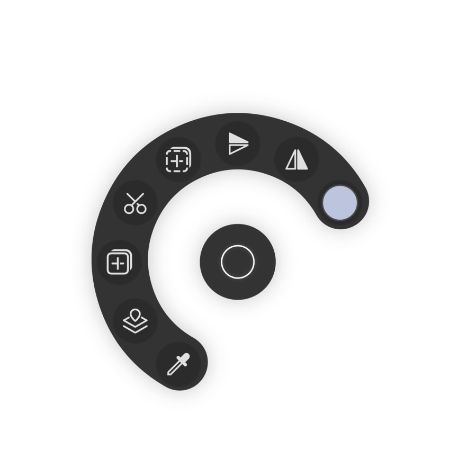
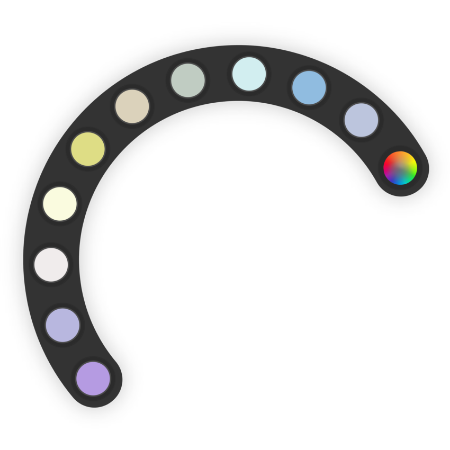
The built-in Resource Centre offers free access to premium brushes, papers, and colouring tools. Pinch your M-Pencil Pro to show the radial menu, where you can organise your tools and customise your workspace to suit you.

HUAWEI MatePad 11.5 S 2026 screen image, demonstrating drawing with GoPaint

*Stylus may need to be separately purchased.

Think It, Ink It

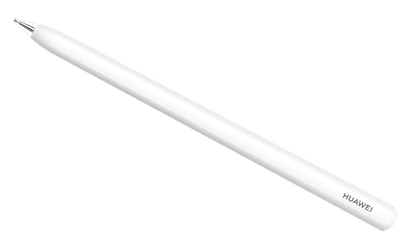
The HUAWEI M-Pencil Pro11 features three versatile pen tips, elevating your writing and sketching with unparalleled precision and creativity. Simply charge it by attaching it to your tablet's edge.

Learn more about the HUAWEI M-Pencil Pro

Your Shortcut to Working Smarter

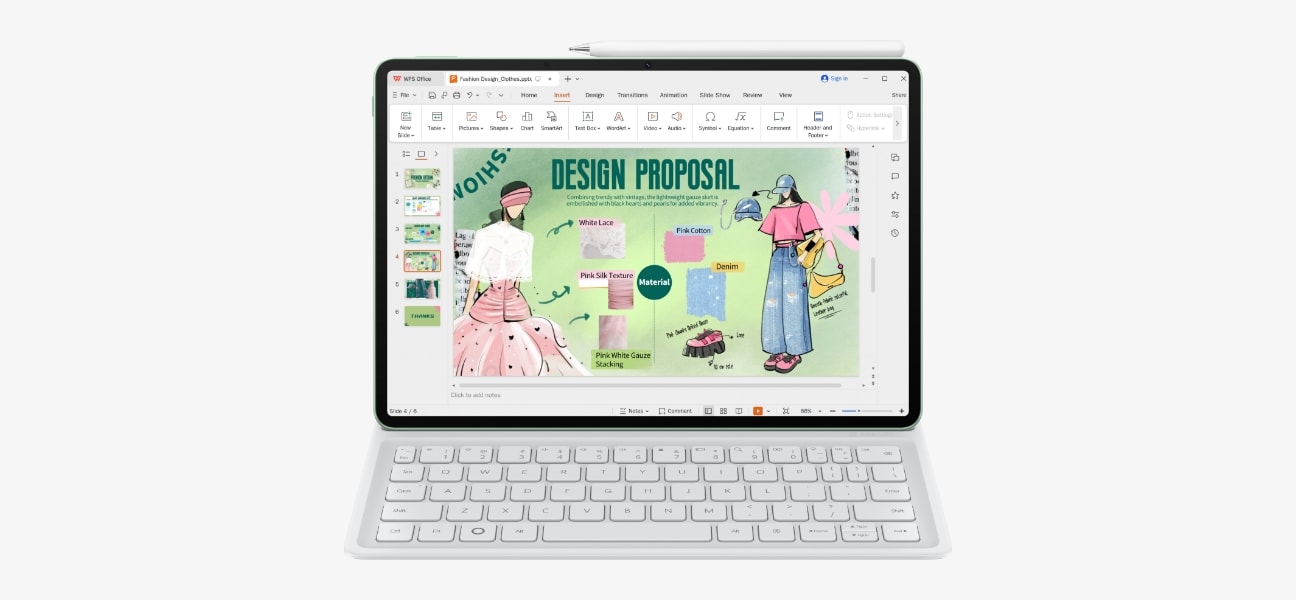
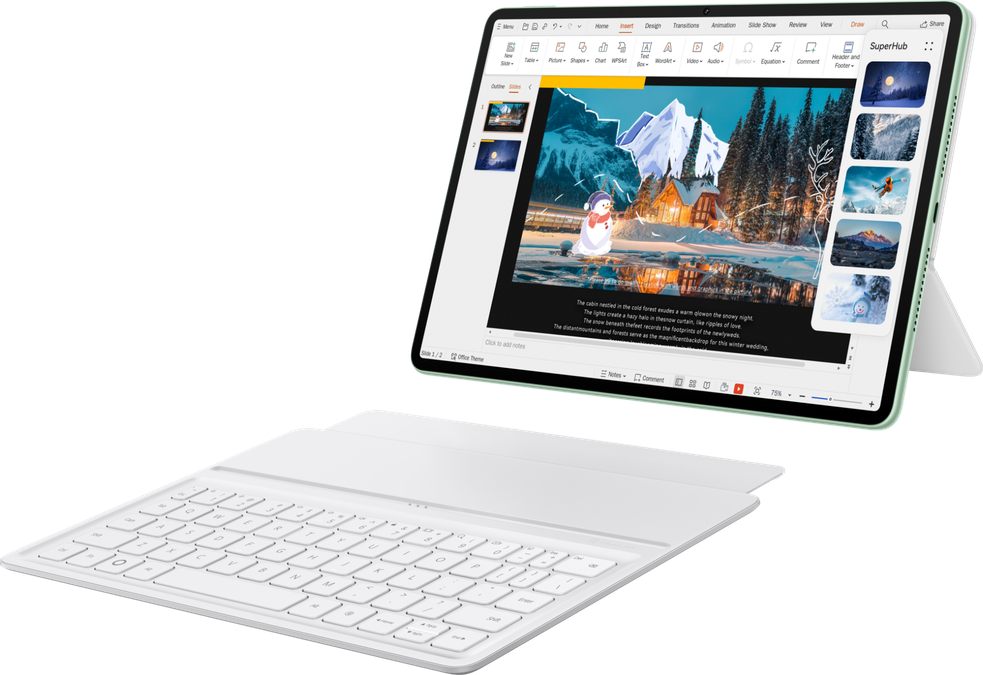
HUAWEI MatePad 11.5 S 2026 with WPS Office interface, demonstrating the tablet's capability for convenient presentation creation
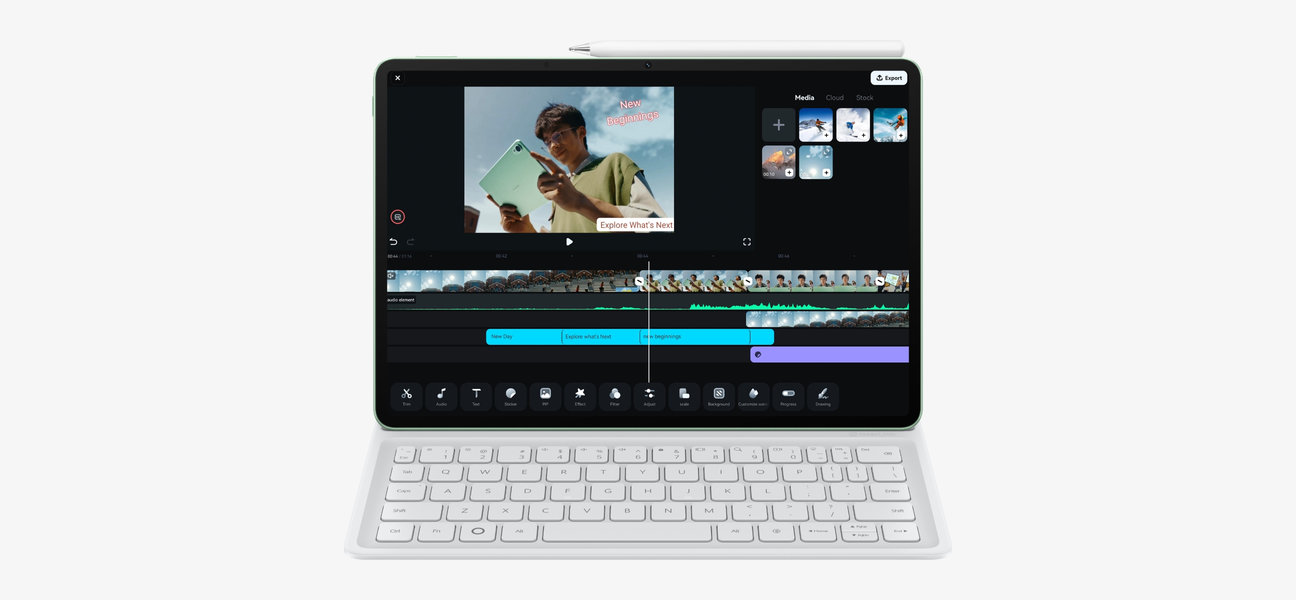
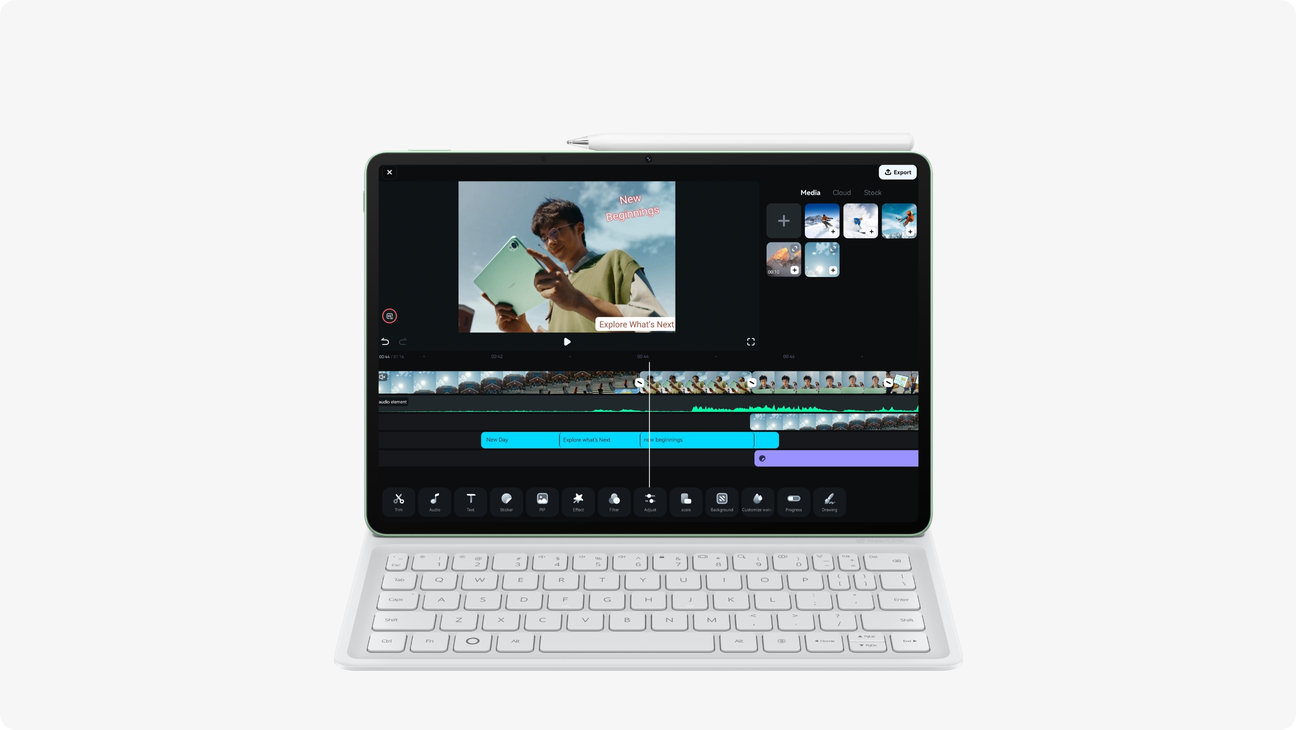
The HUAWEI MatePad 11.5 S 2026 with  Filmora interface, demonstrating one-touch drawing with the tablet and stylus

WPS Office

Wondershare Filmora

Unlock PC-level productivity on your tablet in little time at all, thanks to a seamlessly detachable keyboard.

Breathe life into every frame, with Wondershare Filmora's animation tool12, and enjoy handy shortcuts to capture inspiration in the moment.

Learn more about the
HUAWEI Smart Magnetic Keyboard

Drag. Drop.
Done.

Store text, videos, photos, and more to SuperHub,13 and then drag and paste whatever you need whenever you need it, even to and from other devices!

HUAWEI MatePad 11.5 S 2026 superhub demo, showcasing cross-device workflows

Floating Windows
Fully Yours

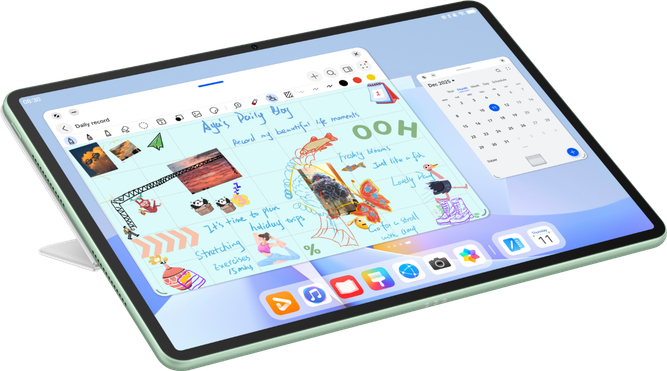
Multi-task with ease, by stacking or resizing your Floating Windows14 on command, or opt for the Service Widgets in App Multiplier to access files in the blink of an eye.

HUAWEI MatePad 11.5 S 2026 Multi-Window demo, showcasing the convenience of the all-new flexible multi-window feature

Performs Where It Matters

Power You
Can Rely On

Powered by 12 GB RAM, it runs smoother than ever. Stay charged longer with an 8800 mAh battery15 and recharge in no time with 40 W lightning-fast charging.

HUAWEI MatePad 11.5 S 2026 side view, showcasing its powerful performance and long battery life

Instant Access,
Solid Signal

Enjoy a consistently strong signal enabled by an independent antenna, and offering seamless browsing download speeds and high network stability thanks to a 5 dB Wi-Fi SNR boost.

HUAWEI MatePad 11.5 S 2026 rear view, showcasing its NearLink antenna

Hit Play
and Wow

Brace yourself for the massive amplitude and deep, powerful bass delivered by the innovative multi-drive array speakers. Histen 9.0 intelligently adapts to your environment for a truly immersive audio experience.

HUAWEI MatePad 11.5 S 2026 angled view, highlighting its audio quality
  1. Only the HUAWEI MatePad 11.5 S PaperMatte Edition is equipped with a PaperMatte Display, and the HUAWEI MatePad 11.5 S is equipped with an LCD Display. PaperMatte Display is a tablet screen defined by HUAWEI, which forms diffuse reflection to reduce the impact of light and sunlight, so as to make viewing more comfortable. The experience may vary slightly depending on the usage conditions and environments.
  2. Only certain Huawei tablets support this feature. To use this feature, make sure that your tablet is connected to the Internet and HUAWEI Notes is running 12.4.3.420 or later. Actual experience shall prevail.
  3. The keyboard is not a standard configuration, and needs to be purchased separately.
  4. Available GoPaint features may vary depending on hardware specifications. For details, see the official information release. Actual usage shall prevail.
  5. Data comes from Huawei labs. Actual weight and thickness may vary depending on the product specifications, manufacturing process, and measurement method.
  6. Data comes from Huawei labs and is for reference only, and is calculated by comparing the HUAWEI MatePad 11.5"S PaperMatte Edition. Sparkle is a normal physical phenomenon caused by the disordered convergence and divergence of light by the microstructure on the glass surface, and does not indicate a product design defect.
  7. This product is not a medical device, and should not be used for treatment purposes.
  8. Only the PaperMatte Edition features this technology. Test data from Huawei labs shows a 99% reduction in light interference under simulated outdoor conditions without obstacles. Actual performance may vary depending on environmental factors.
  9. Supports a maximum screen refresh rate of 144 Hz. The screen refresh rate may vary depending on the specific app.
  10. The 2.8K resolution is 2800 × 1840.
  11. Stylus may need to be separately purchased.
  12. Log in to Filmora and complete the discounted purchase on the subscription page to enjoy one month of free Filmora Premium privileges; resources are provided by partners and may change due to variations in partnership, authorisation, business, or technical conditions. No separate notifications will be issued. Actual usage shall prevail.
  13. This feature is only supported on certain Huawei PCs running PC Manager 13.0.3 or later, and certain Huawei phones and tablets running HarmonyOS 3 or later. The devices must be logged in to the same HUAWEI ID, with Bluetooth and Wi-Fi enabled. Only certain apps, text, and images adapt to this feature. Actual experience shall prevail.
  14. This feature is only supported in certain apps. Actual adaptation may vary.
  15. The battery capacity is a Typical value.
Leaving consumer.huawei.com
After clicking the link, you will enter a third-party website. Huawei is not responsible and has no control over this third party website.
Return Continue